APPEAR AS Confidential 260/352
9.5 LOGO INSERTION
In order to add logo images to an encoded/transcoded service, an image of the corresponding resolution will first
need to be uploaded to the MMI mode.
9.5.1 UPLOADING LOGO TO THE MMI
The file format supported by the Logo Insertion is 8-bit PNG with correct resolution (listed below). If the PNG file
is in ARGB format, the logo will be transparent depending on the alpha channel in the PNG file.
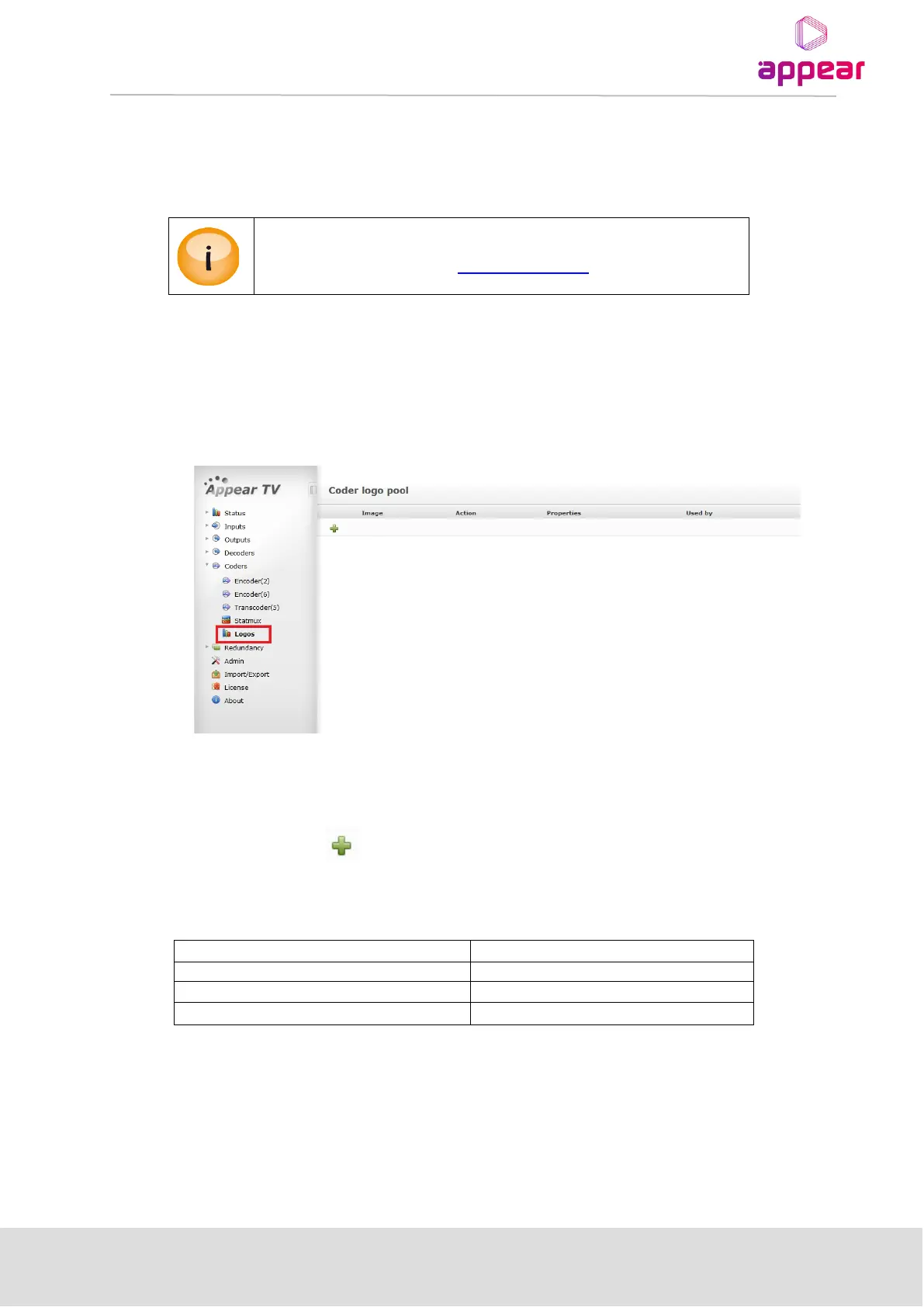
In order to upload the file, first navigate to the Coders->Logos page:
Note: If no micro SD card is present on the MMI, the following message will appear.
“No microSD card inserted into card reader. Please contact support.”
The next step is to click the and navigate to the PNG file with appropriate resolution. Once uploaded, this
will create a new entry in the logo table.
Required size depends on resolution of encoder SD/720P/1080i.
A MicroSD card has to be available on the MMI module. All logos are stored on
the MMI module. Please contact support@appear.net for details.



 To Next Page