APPEAR AS Confidential 286/352
10.2.3 CONFIGURING DAB RF OUTPUT
To configure DAB module parameters, from the Navigation Pane select the DAB Modulation menu in the
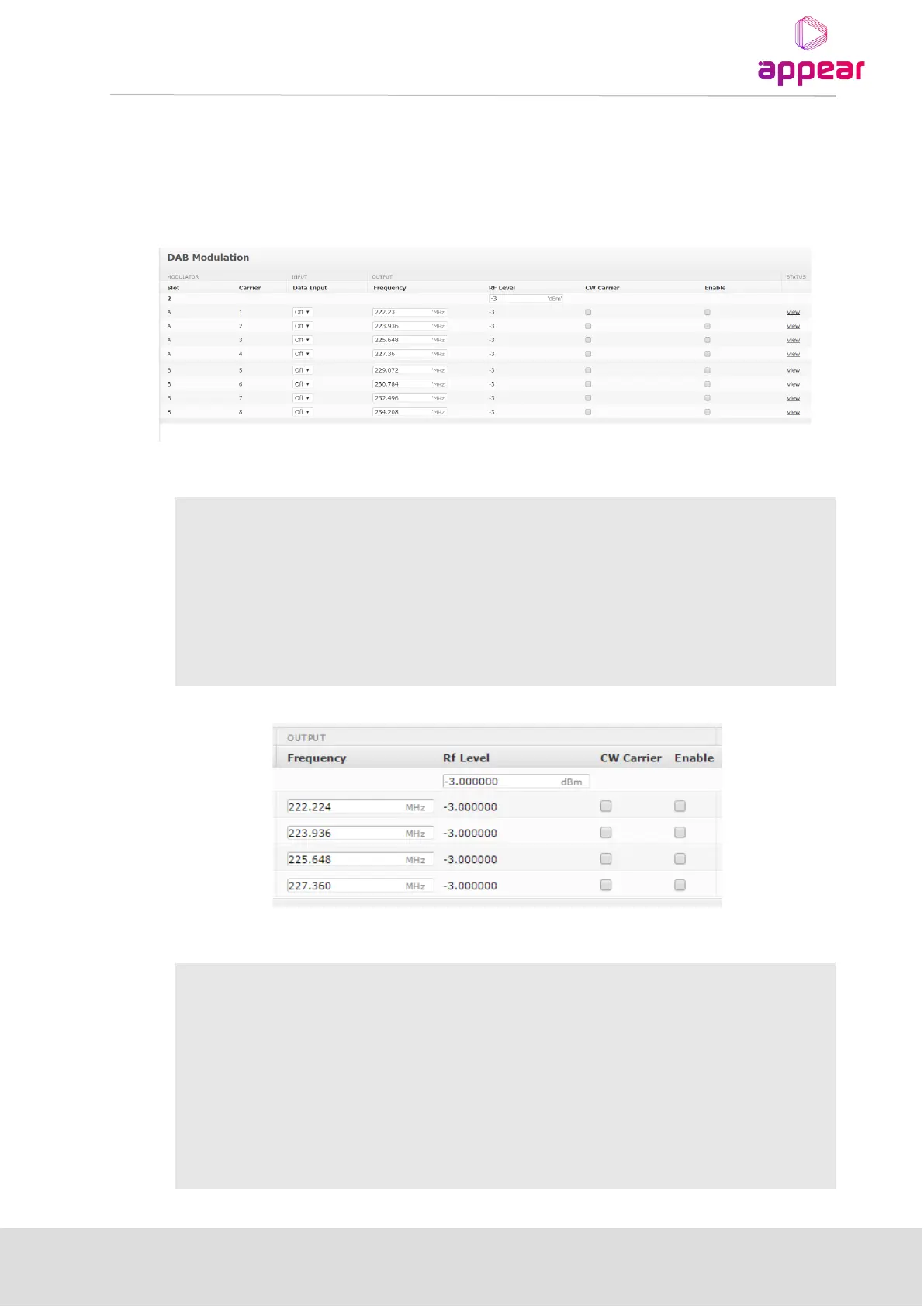
Navigation Pane. The settings page below will be displayed:
The DAB settings interface displays the following values under the Module and Input section:
Specifies the slot of the DAB modulator
For every modulator there will be four RF channels, where each channel
represents one DAB multiplex
The physical IP port (module) where this EDI stream is present in the
network. All supported IP ports are shown in the dropdown list. If any
VLANs are configured for this port, a separate dropdown box will be used
to select the VLAN used.
The DAB settings interface displays the following values under the Output section:
The RF frequency for the DAB multiplex in the range 174MHz to 260-64
MHz (band III). The four RF channels within a modulator must be set within
a 40MHz block. The minimum spacing between DAB channels is
1.536MHz
RF level in the range -12dBm to +2dBm
When enabled, the output will be an unmodulated continuous wave. The
channel must be enabled for this feature to work
Enable the RF output of the channel



 To Next Page