APPEAR AS Confidential 156/352
Description of the service
7.2.7 DESCRAMBLING FOR THE DECODER MODULE
Depending on the module in use, a service may be descrambled on the decoder itself, or alternatively with a
separate descrambler module. There are several reasons why it is desirable to install a separate descrambler
module, for maximizing the number of services to be descrambled.
Internal – use the CAM on the module itself. If a CAM is installed the stream will
be piped via the CAM regardless of the GUI settings; this is controlled by the
HW.
CAM module – if the unit contains descramblers they will be listed as optional
descrambler modules that can be selected to perform descrambling.
7.2.8 UPCONVERTER (RF PARAMETER CONFIGURATION)
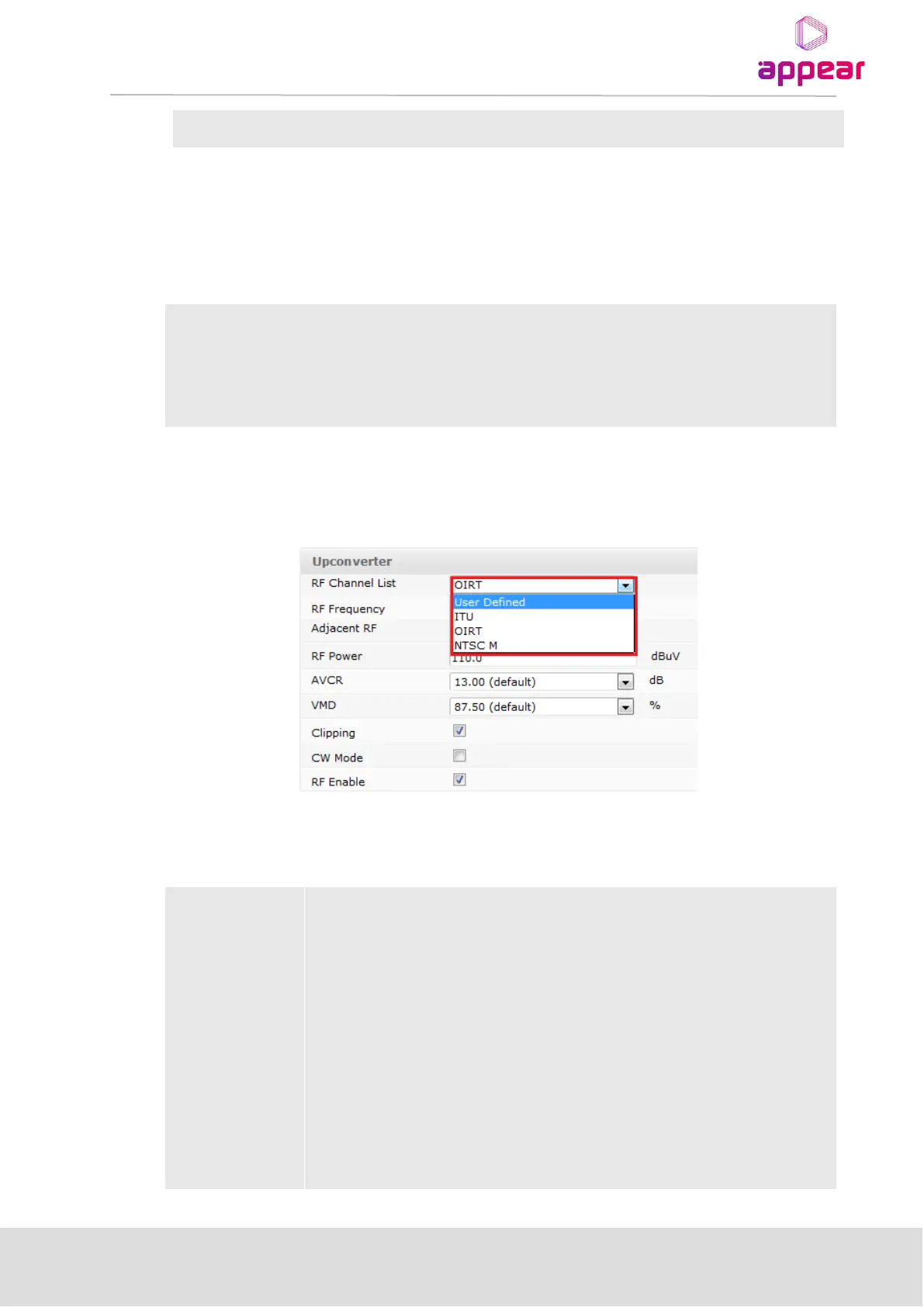
For Decoder modules with up-converter the configuration page will display an Up-converter section.
The following up-converter parameters are available for configuration:
Select which channel plan to use. The available options are ITU (C.C.I.R), OIRT, NTSC
Mand User defined.
Sets the carrier frequency of the output. Choose from a set of predefined frequencies
(according to the selected RF Channel list), or alternatively enter a specific frequency in
the text box.
Determines the power of the output signal. Power level boundary values will depend
on the Decoder module and will be displayed when the mouse cursor hovers over the
text box.
This parameter adjusts the Audio carrier output level compared to the video carrier
output level. The resulting output level will be the selected value down from the video
carrier. Please note that this is power and not amplitude. Nominal value and range will
depend on the Decoder module being configured.



 To Next Page