APPEAR AS Confidential 151/352
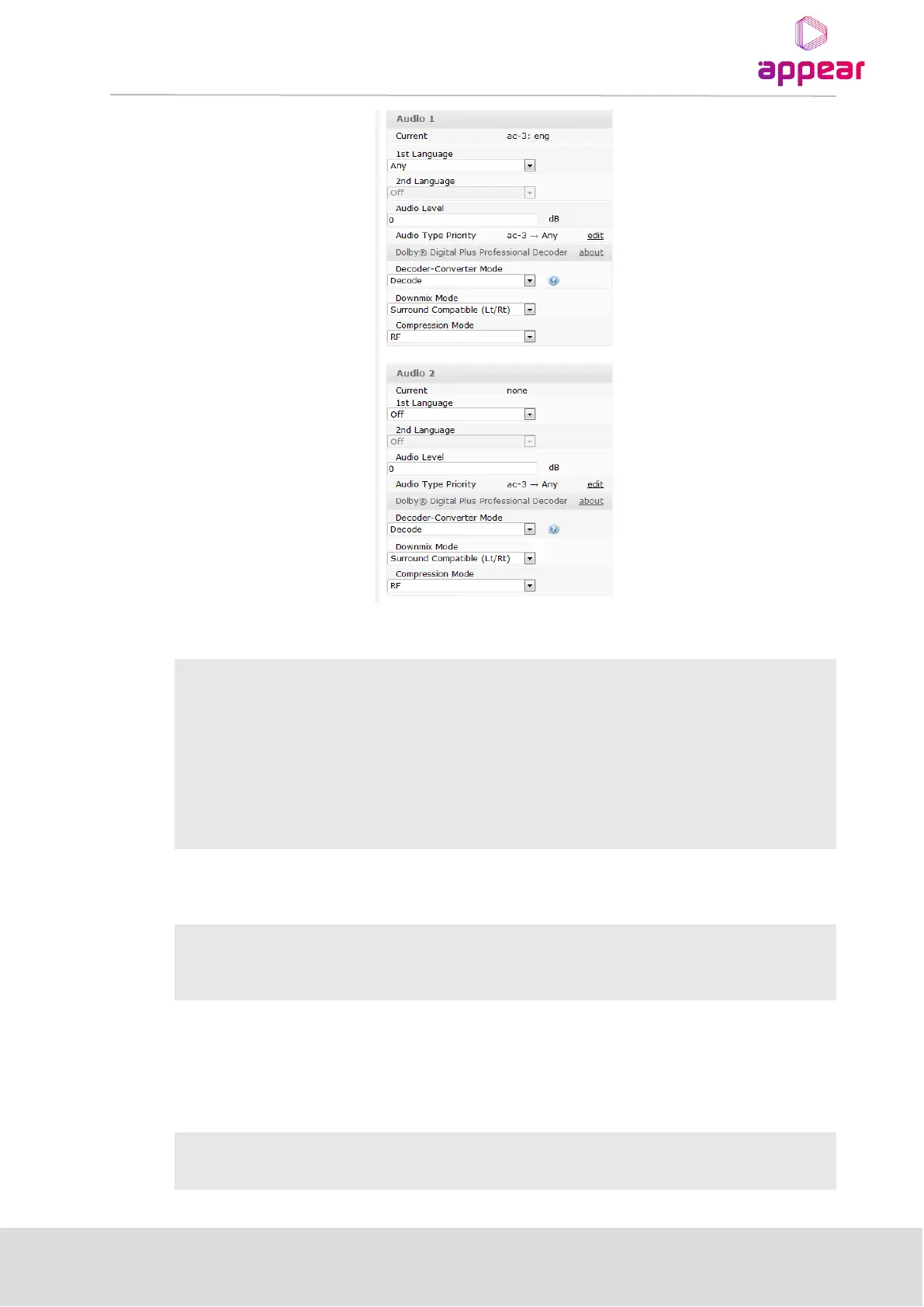
Specify any of the options from the below list
• Decode
• Convert to AC-3
AC-3 and E-AC-3 are decoded to PCM
AC-3 is passed through as is. E-AC-3 is converted to AC-3 with a fixed bitrate of
640 kbps, according to Dolby® specifications.
If “Decode” is selected, two decoding related settings are unhidden: Downmix Mode and Compression Mode.
Specify any of the options from the below list
• Stereo (Lo/Ro)
• Surround Compatible (Lt/Rt)
The audio output of the decoder always consists of 2 channels. If the content to be decoded consist off more
than 2 channels, downmixing has to be performed. The “Surround Compatible (Lt/Rt)” option performs a
downmix of 5.1 channels to a 2 channel output that can be decoded by Dolby® Surround and Dolby® Surround
Pro Logic® decoders; 2 channel content will not be downmixed.
Specify any of the options from the below list
• None



 To Next Page