APPEAR AS Confidential 193/352
Configuration of the output streams and ports are similar to that of the standard IP output and these details are
shown in 8.4.1.
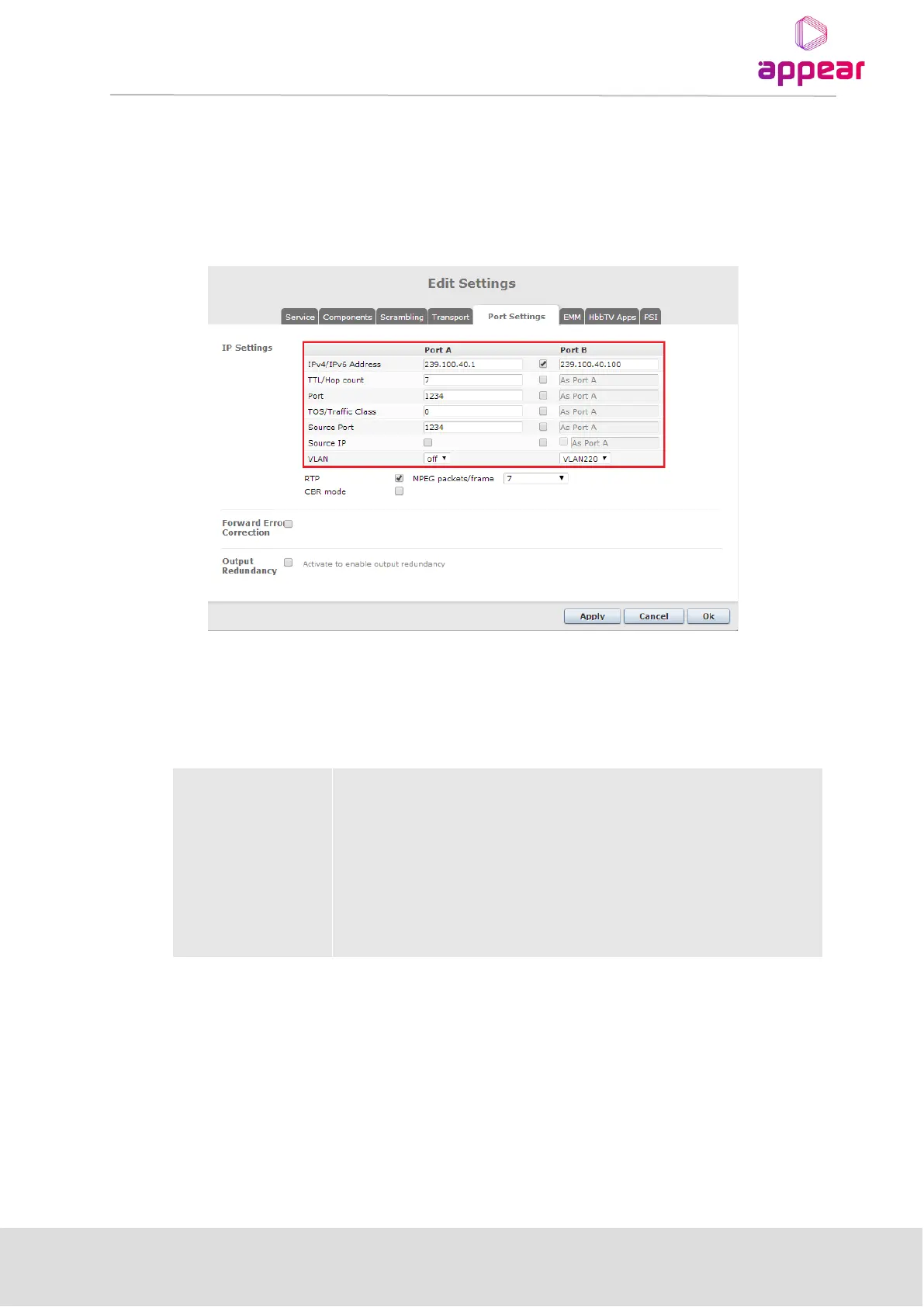
8.4.2.1 Unique Configuration on two ports
IP settings can be configured different on the two IP ports in cloned output mode. Parameters that are able to be
changed, can be selected and the new value entered. By default, the properties of port A are used.
8.4.2.2 Exclusive Output Port Mode
While in Cloned IP output mode, it is possible to enable Exclusive Output in which the following rules are
followed:
Link on both ports
(Default)
Port A is active
Port B is inactive (ie no output bitrate)
Link on B port only
(link down on A port)
Port A is inactive (link down)
Port B is active
Link on A port only
(link down on B port)
When the module is in exclusive output mode only one port is outputting transport streams at once. If link is
down on one port, the other port will take over.
Where port A is the default port and port B is a backup, used only when port A has link problems. When link of
port A comes back, the system will switch back to use port A (ie reverting)
In order to enable Exclusive Output Port, the Cloned IP Output module must first be changed to this mode. This
is configured in the Maintenance Center and you can find further details on this procedure in the Upgrade Guide.



 To Next Page