In the Appear platform, the transcoder module is used to receive services from any of the input cards and change
the codec, bit-rate or resolution of the service which can then be routed to any of the output modules. When
configured, the input video is decoded, rescaled and then re-encoded.
All incoming PIDs that are not transcoded will be kept in sync with video after transcoding and are able to be
configured on the output service.
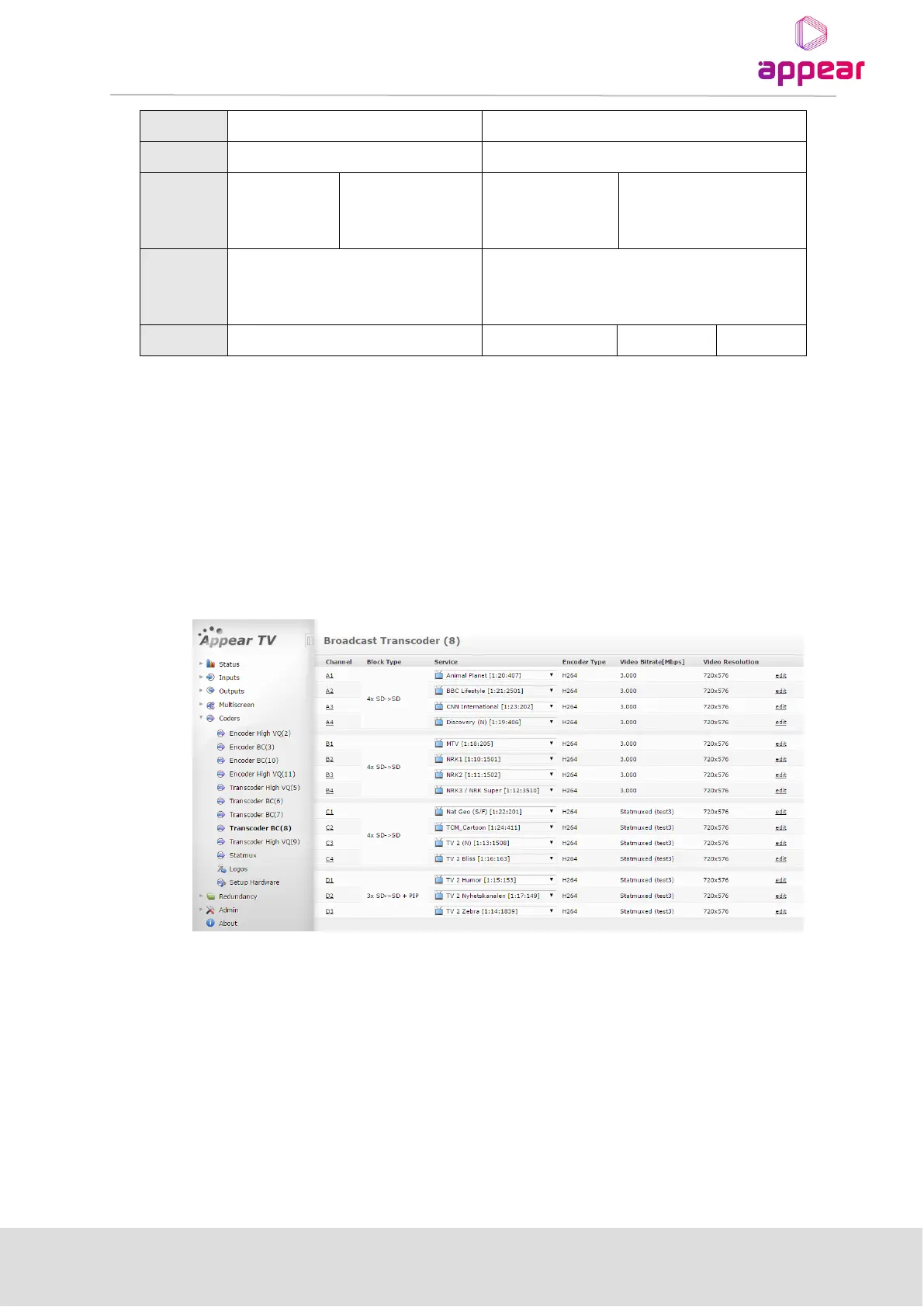
All Transcoder modules are show under the Coders menu in the Navigation pane. This can be expanded to show
the available modules, type and slot.
By clicking on these modules, you are presented an overview of the transcoder ports and status:
Clicking on the port letter (ie A, B, C, D) under the ‘Channel’ column will present the decoding and encoding
status for this port:



 To Next Page