APPEAR AS Confidential 267/352
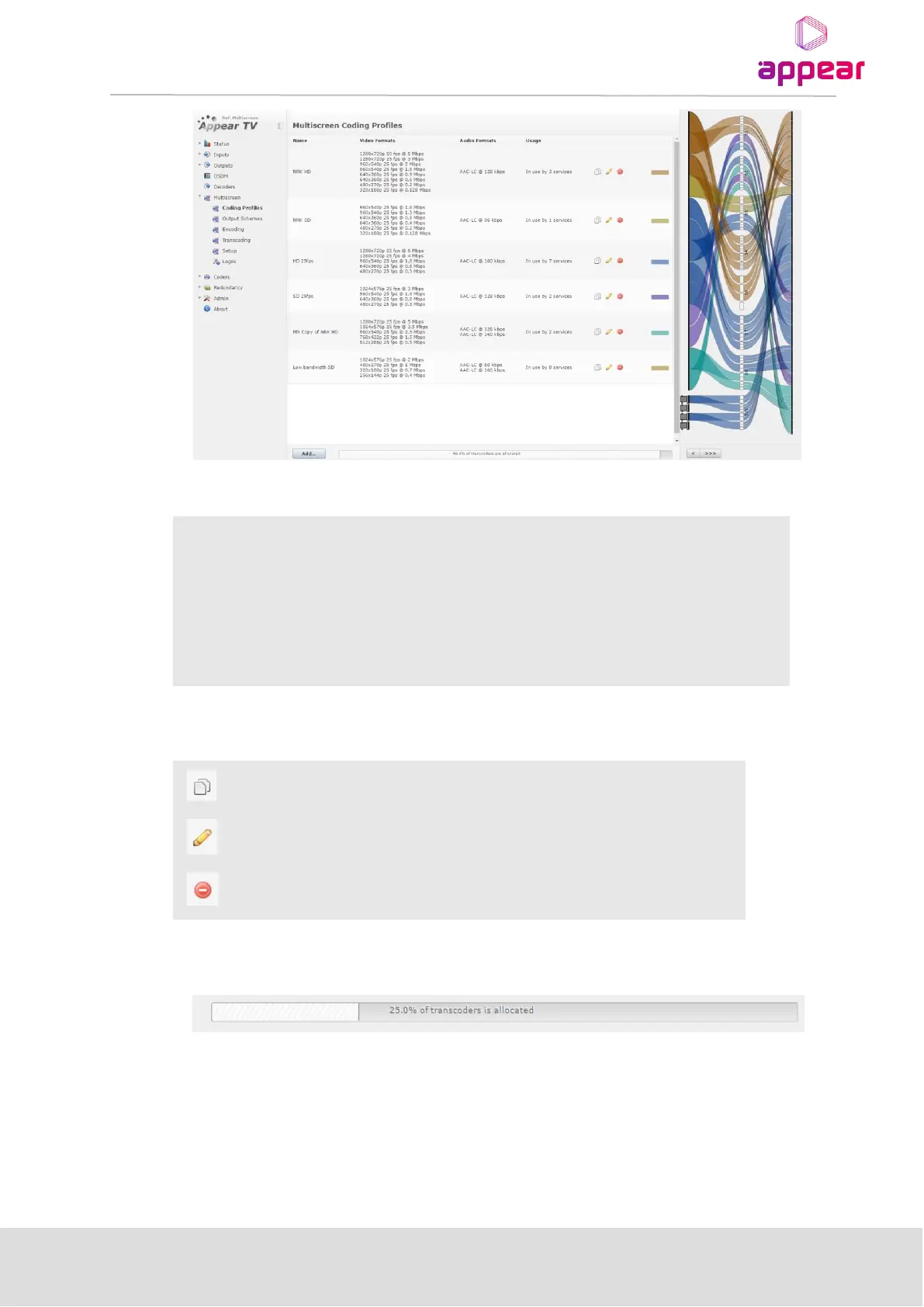
The following parameters are available for Multiscreen Coding Profiles:
Name of the Profile can be specified.
List of desired video formats
List of desired Audio formats
By default, the configuration system will auto generate a service line up based
on the audio and video formats configuration
The following operations are available by clicking on the icon associated with the service:
Delete the profile. Please note that this will not allow you to delete profiles that
are in use.
In addition, the total allocation status is show on this page:
This status will be updated dynamically when services are added or removed.
9.8.1.2 Configuration
In order to create a Coding Profile, navigate to the ‘Coding Profiles’ page and you will be presented with a list of
the current profiles. To add a new profile, click the ‘Add’ button and you will be provided with the following
dialog:



 To Next Page