APPEAR AS Confidential 269/352
In the videos section the required video formats is defined. It is possible to define up to 10 individual video
formats. To add a new video format, click on the button, and to remove click the button. For each required
video format the following parameters are available for configuration:
Enable or disable each video format individually. This means that enabling or
disabling individual video formats might cause a reconfiguration of all services
which is coded with the current coding profile.
Select resolution and frame rate of each video format instance
Configure bit rate for each screen. Valid bit rate range depends on resolution.
Configure H264 Profile (encoding complexity) for the respective screen. The
choices are Main Profile (MP), Constrained Baseline Profile (CBP) and High
Profile (HP). The H264 Level is calculated based on bitrate, resolution and
frame rate.
Enable or disable CABAC entropy coding.
Enable or disable hierarchical B frames.
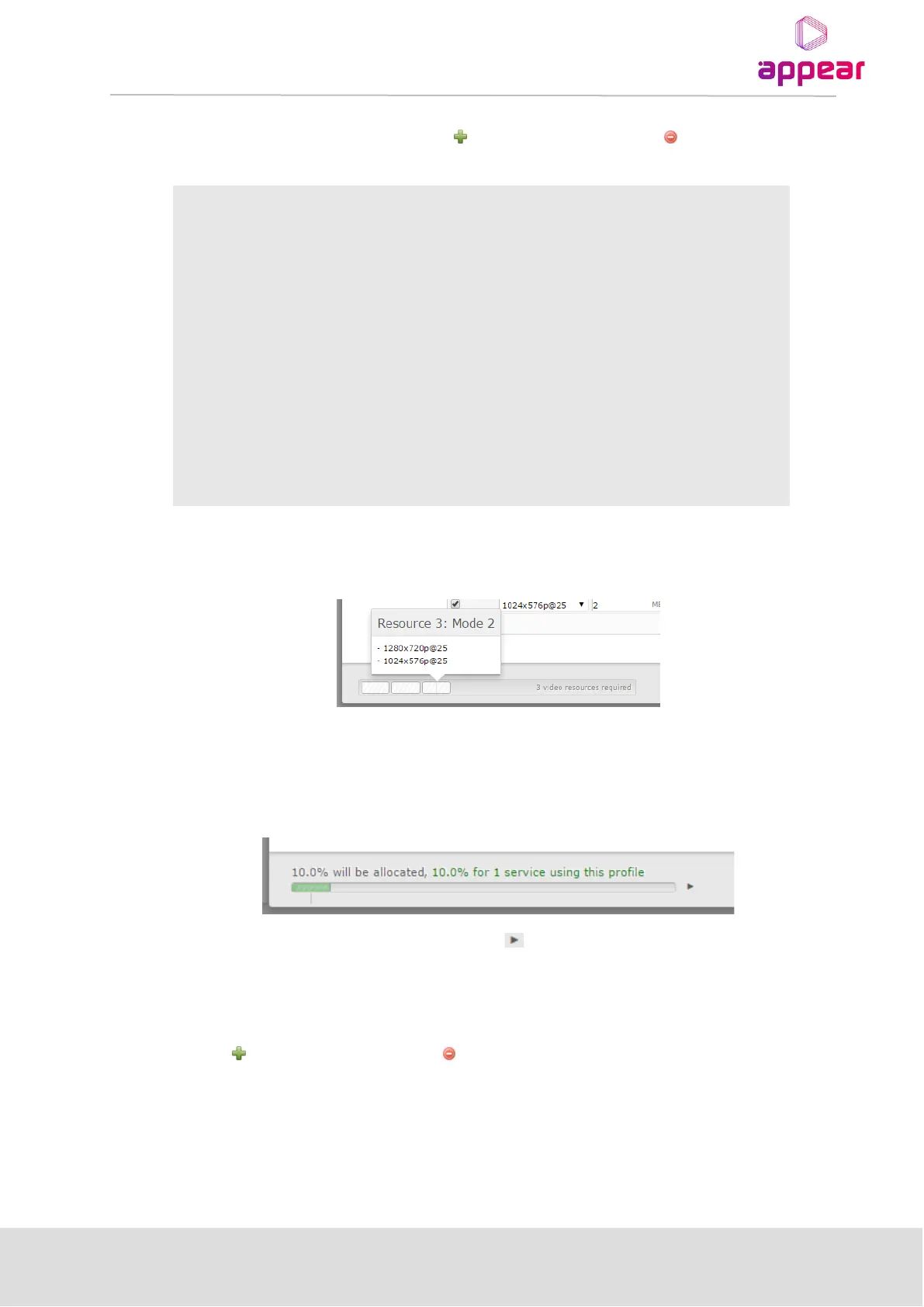
Listed at the bottom of this tab the Multiscreen resources required for the defined videos in the profile are
displayed:
Each Multiscreen module contains 4 video recourses and this overview shows the number of required and by
hovering over each block, which videos are allocated to the resource.
Once services have been allocated to the profile, you will be presented with an overview of total resources used
by this profile
In order to switch to the resource usage view, click on the button.
Audio
The required audio formats are defined here. The number of audio formats is limited by the number of video
formats defined; it cannot exceed the number of video formats defined in the profile. To add a new audio format,
click on the button, and to remove click the button. For each audio format the following parameters are
available:



 To Next Page