APPEAR AS Confidential 324/352
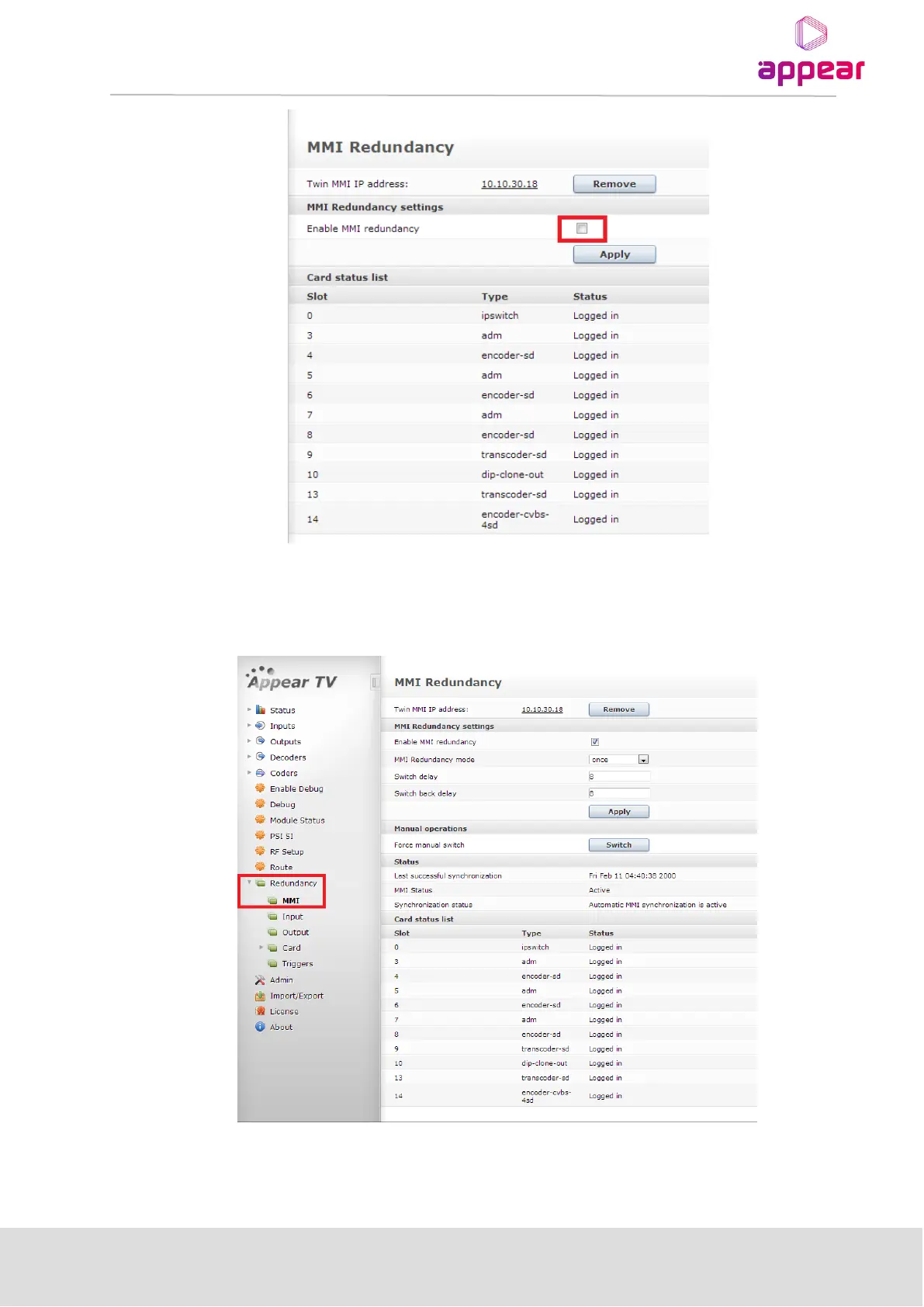
After setting both twin MMI IP addresses, all slave modules will be logged into the same backplane, so this list
will show all cards as "Logged in" in one MMI, as "Logged in to twin" in the other MMI.
Finally, after enabling MMI Redundancy, we will get the complete MMI Redundancy GUI page: Main MMI
Following are MMI Redundancy Settings parameters:



 To Next Page