APPEAR AS Confidential 334/352
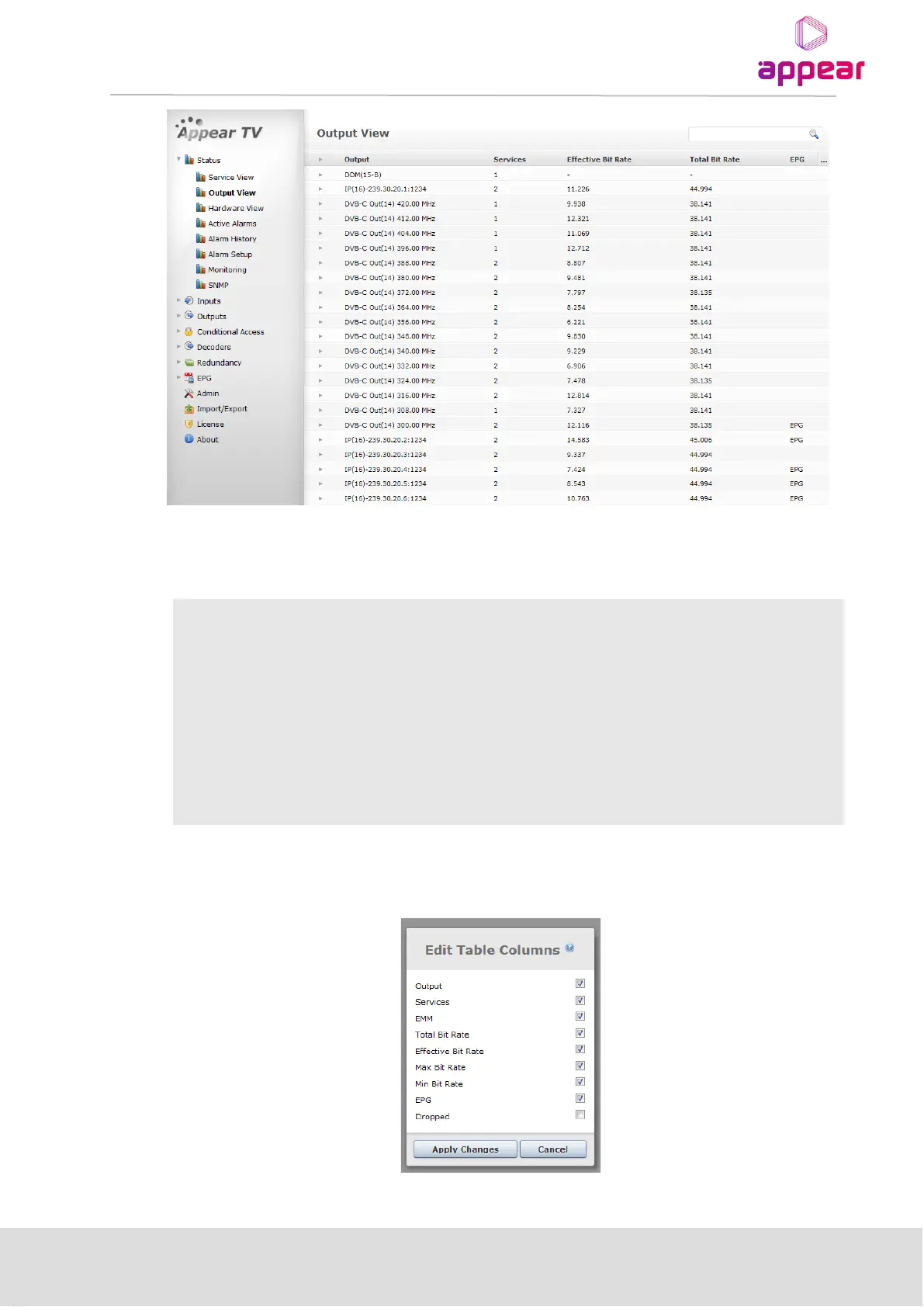
Information in the Output View can be sorted by clicking on the column headers. It is possible to search within
this page by using the field with the magnifying glass in the top right corner. The Output View shows all
configured outputs by default and the following information is available:
Information about the output port. This will be specific to the type of output, ie
IP will include multicast address, QAM will include frequency.
Lists the number of services in the given output port
Shows the current effective bitrate of the output port
Shows the current total bitrate configured for the output port
Displays if there is currently EPG information (EPG Schedule) configured on the
output port
It is possible to select and deselect information in this view by clicking on the ‘…’ in the top right hand corner of
the title bar. This will bring up the following dialog:



 To Next Page