APPEAR AS Confidential 51/352
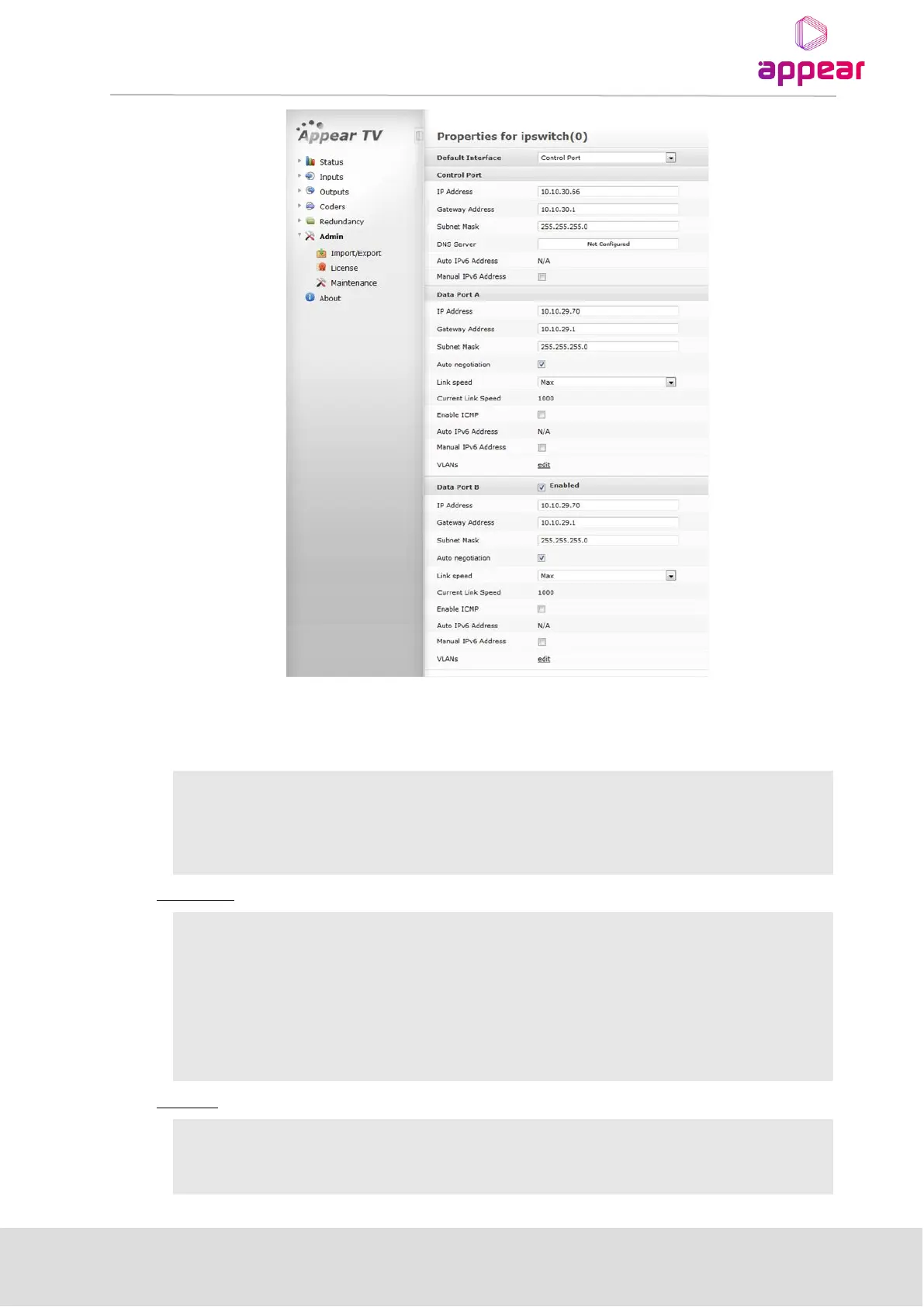
In the Admin Properties view, it is possible to configure the Default Interface, Control Port, and Data Port.
Control ports on all input, output and processing except scrambling, bulk descrambling and EPG modules do not
need to be configured.
This parameter allows you to select the Management Port to be used for
managing the Web GUI.
For Switch modules with IP interfaces, the Management Port can be the
Control Port, Data Port, or a VLAN (previously added).
IP address used solely for management. It cannot be used for multicast
reception as it is not for data input.
Gateway address of the network used for management
Specify DNS Server for Control port applications (ie NTP)
IP address used for multicast reception
Gateway address of the network used to access external resources



 To Next Page