The combination of Unrecoverable Packets, Recovered Packets, and FEC RTP Errors is a good indication of
network quality.
5.4.5.4.2 Removing a Multicast Input
Select the input to be removed by clicking on the on the right of the input entry. It is possible to select multiple
inputs at the same time, or all by clicking the top level icon.
Once selected, click the Delete X selected button in the bottom right hand of the input pane.
Please note that you can only remove inputs that are currently not in use. To delete these streams, the associated
output service must first be removed/disabled.
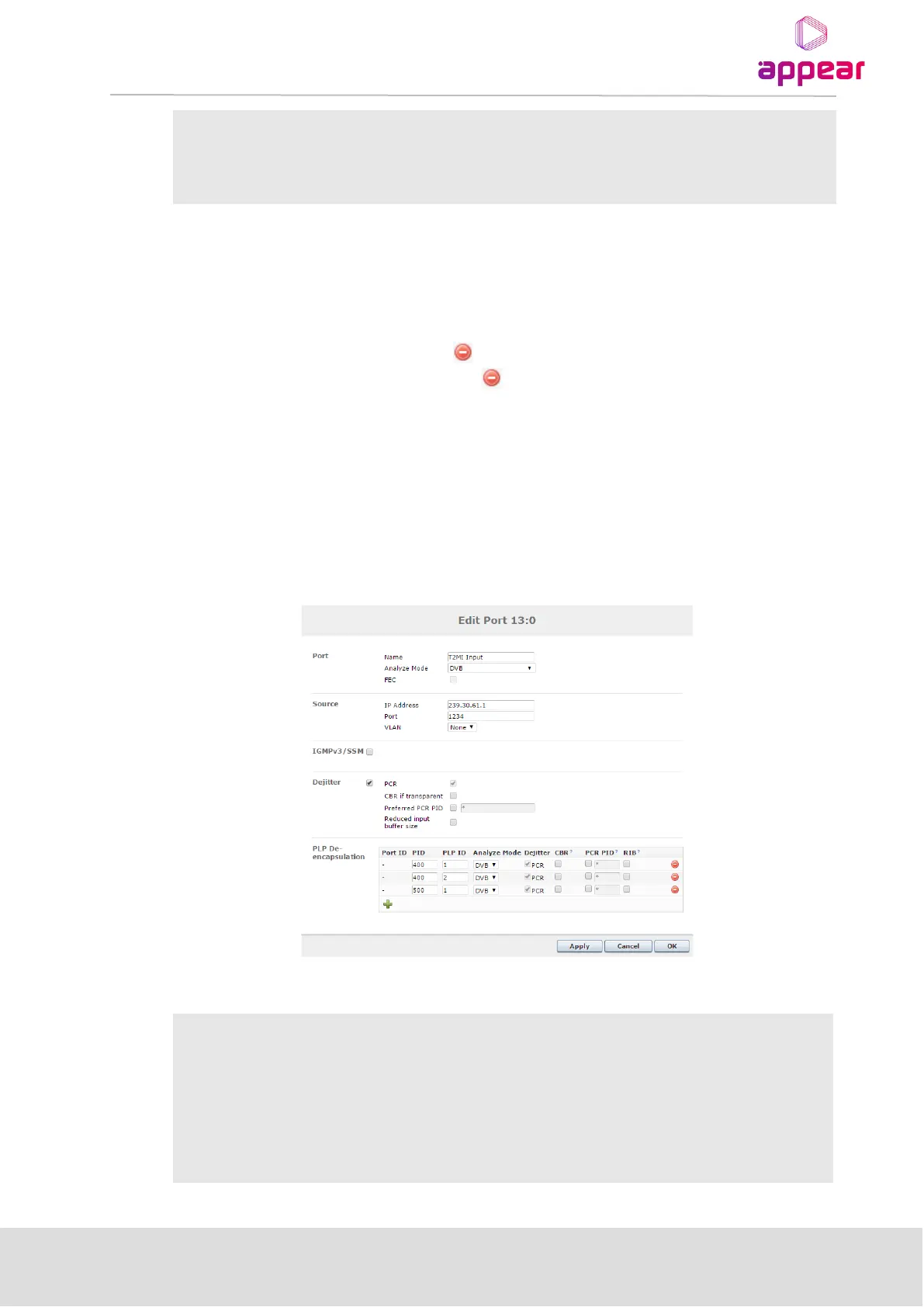
5.4.5.4.3T2MI De-encapsulation
The following additional information is displayed in edit option for Dual IP modules configured in dip-t2mi-decap
mode.
The options available are:



 To Next Page