737 Flight Crew Operations Manual
Flight Management, Navigation -
Company Data Link
Boeing Proprietary. Copyright © Boeing. May be subject to export restrictions under EAR. See title page for details.
D6-27370-866-EGP 11.33.5
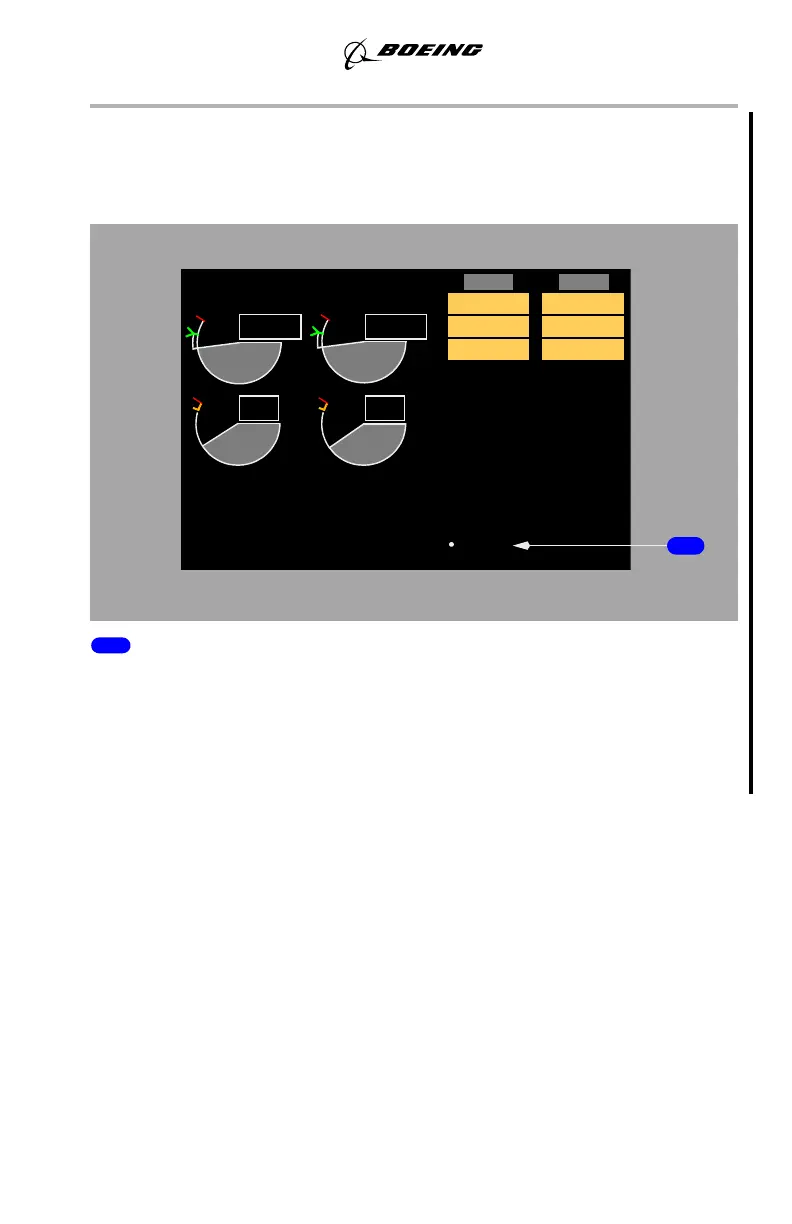
ACARS Uplink Message
YW273, YW274
The •ACARS message is displayed when a displayable ACARS uplink is
received by the ACARS.
1 •ACARS Uplink Message (white)
Indicates receipt of an uplinked ACARS message. When an •ACARS
Communication Medium message appears, it is accompanied by a chime. No
chime accompanies an •ACARS Communication Low message when it appears.
The •ACARS message will continue to be displayed as long as any pending
ACARS uplink messages remain.
Long Delete Function
During uplink, CDU keys are ignored until data is loaded into the FMC. The
uplink may be suspended by pressing and holding down the DEL key for at least
one second. For all uplinks, except SUPP NAV DATA uplinks, the loaded data is
then removed from the flight plan and placed back into the ready to be loaded
state. Uplinks that do not generate a modified plan are reloaded when there has
been no CDU pushbutton activity for 30 seconds. Uplinks that do generate a
modified plan can be reloaded using the LOAD prompt on the appropriate page.
When the long delete is used during a SUPP NAV DATA uplink, the uplink is
suspended, but the data loaded up to that point remains in the database. After 30
seconds of keyboard inactivity, the remaining data is loaded.
September 15, 2016



 To Next Page