737 Flight Crew Operations Manual
Flight Instruments, Displays -
PFD/ND – Controls and Indicators
Boeing Proprietary. Copyright © Boeing. May be subject to export restrictions under EAR. See title page for details.
D6-27370-866-EGP 10.16.19
With manual time displayed:
• select the SET control once and the hours flash, rotate the control to
adjust the hours
• select the SET control again and the minutes flash, rotate the control to
adjust the minutes
• select the SET control again to run the time.
With manual date displayed:
• select the SET control once and the day flashes, rotate the control to
adjust the day
• select the SET control again and the month flashes, rotate the control to
adjust the month
• select the SET control again and the year flashes, rotate the control to
adjust the year
• select the SET control again to run the date.
Note: A delay greater than one minute while setting the time or date results in the
clock reverting to the previous time/date setting.
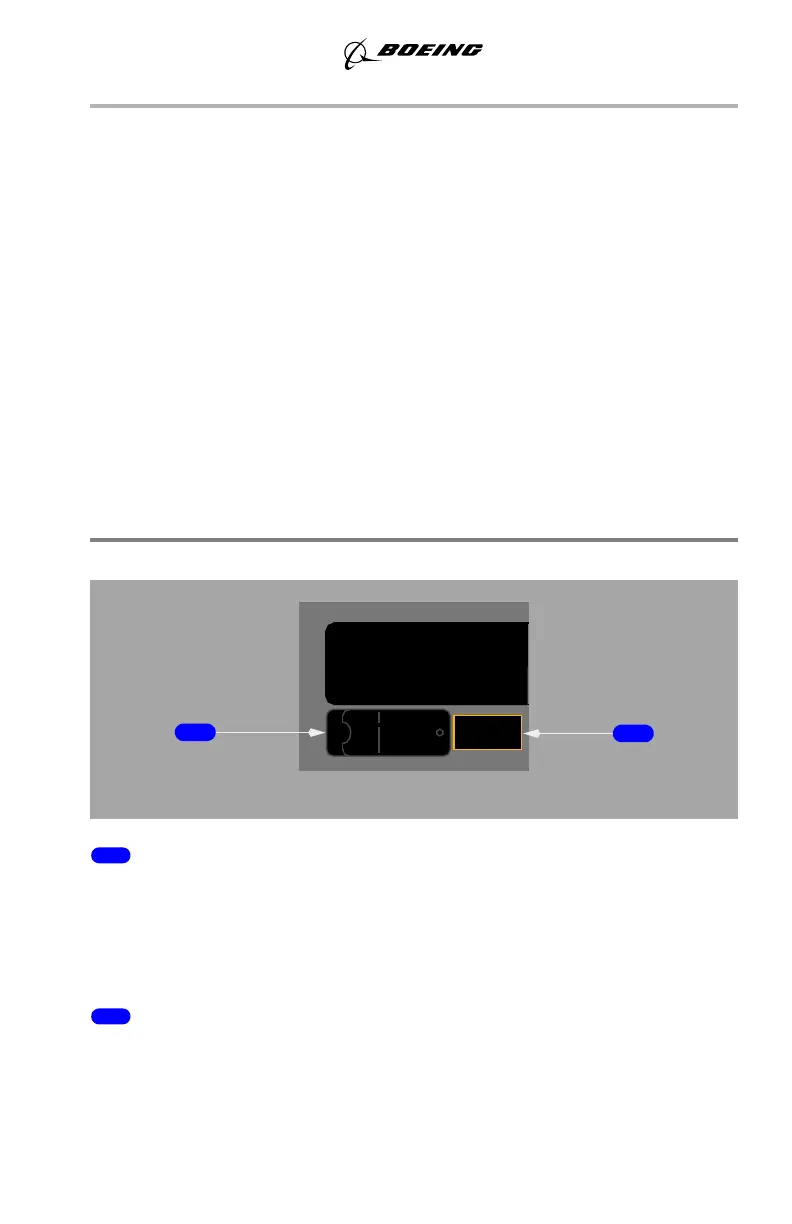
Flight Recorder
1 Flight Recorder Test Switch
NORMAL (guarded position) –
• in flight – the recorder operates anytime electrical power is available
• on the ground – either engine must also be operating.
TEST – powers the flight recorder on the ground.
2 OFF Light (amber)
ILLUMINATED –
• indicates the recorder is not operating or the test is invalid
• may indicate power failure, loss of input data, or electronic malfunction.
OFF
FLIGHT RECORDER
NORMALTEST
September 15, 2016



 To Next Page