737 Flight Crew Operations Manual
Flight Instruments, Displays -
PFD/ND – Controls and Indicators
Boeing Proprietary. Copyright © Boeing. May be subject to export restrictions under EAR. See title page for details.
10.16.8 D6-27370-866-EGP
1 Speed Reference Selector (outer)
Sets the reference airspeed bugs on the airspeed indication:
• AUTO – the reference airspeeds and gross weight are provided
automatically through the FMC
• V1 – used to manually set decision speed on the ground; in flight,
displays “INVALID ENTRY”
• VR – used to manually set rotation speed on the ground; in flight,
displays “INVALID ENTRY”
• WT – allows manual entry of reference gross weight
• VREF – used to manually set the landing reference speed in flight; on
the ground, displays “INVALID ENTRY”
• Bug 5 – used to manually set the white bug 5 to the desired value
• SET – removes the speed reference display.
2 Speed Reference Selector (inner) (two speed slew)
ROTATE –
• manually sets the appropriate reference airspeed or gross weight
• the digital display appears below the airspeed indication.
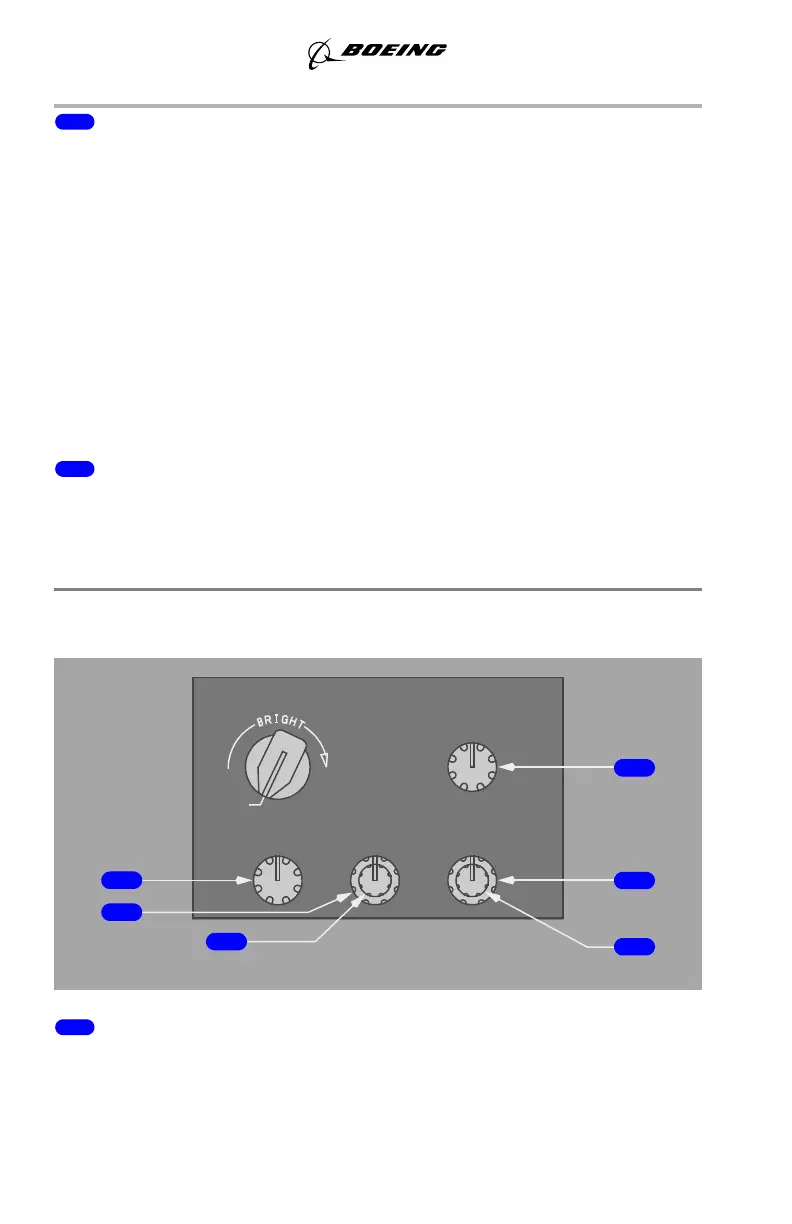
Display Brightness Controls
Captain Brightness Controls
1 Outboard Display Unit Brightness (OUTBD DU BRT) Control (rotary)
ROTATE – adjusts the brightness of the Captain outboard display unit.
BRT
LOWER DU
BRT
UPPER DU
BRT
INBD DU
BRT
MAIN PANEL
OUTBD DU
OFF
September 15, 2016



 To Next Page