737 Flight Crew Operations Manual
Flight Instruments, Displays -
Head-Up Display System –
Controls
Boeing Proprietary. Copyright © Boeing. May be subject to export restrictions under EAR. See title page for details.
10.17.12 D6-27370-866-EGP
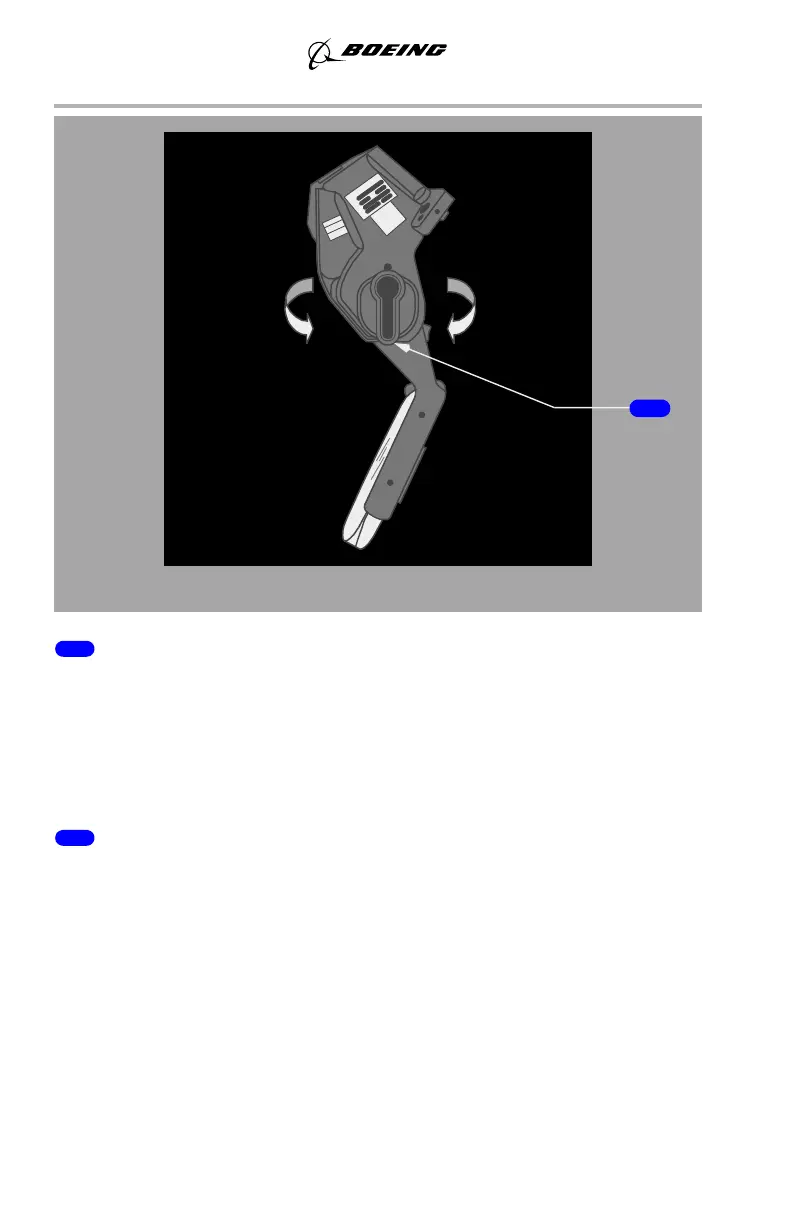
1 Brightness Control Knob
MAN – push knob in for manual brightness adjustment.
AUTO – pull knob out for automatic brightness adjustment. Display intensity
varies based on ambient light detected by a sensor on the combiner.
HUD BRT – rotate knob clockwise to increase display intensity. Rotate knob
counter-clockwise to decrease display intensity.
2 Stow Lever
There are three positions for the combiner:
• Stow – AFT/UP
• Normal operating detent – DOWN
• Breakaway – FWD
Pull lower portion of the stow lever toward the pilot and rotate the glass down and
forward to the normal operating detent. To stow the combiner glass, grasp and
rotate toward the pilot, aft and up, until it locks in the stowed position.
March 27, 2014



 To Next Page