Using Müse
75
PN: 905K520652 v2.8
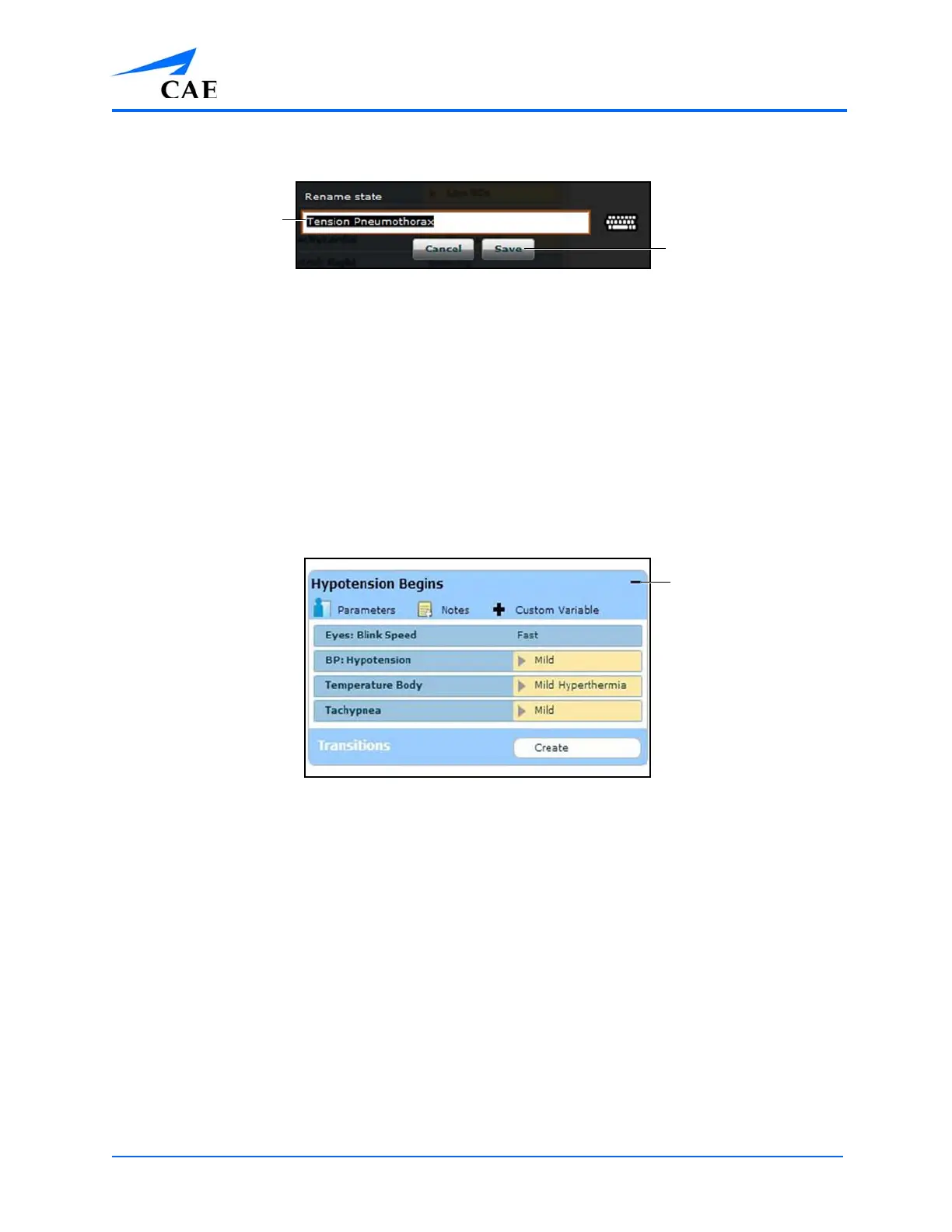
The Rename State Window
4. Enter a new state name
Note: When naming a Scenario State, the state name may NOT exceed 127 characters
Additionally, scenario file and state names CANNOT contain any special characters, such
as ( ‘ / \ : * ? < > % | “ ).
5. Click Save
Modifying Scenario States
Once a scenario state has been placed on the canvas, it can be modified. Additional parameters,
transitions and notes can be added. Each state can contain multiple parameters and transitions.
Double-click the state name to rename it.
A State
Click the Collapse State button to minimize the state.
Double-click the collapsed state to expand it.
TIP: Parameters can also be adjusted by clicking on the parameter within the state.
The State
Name field
The Save
button
The Collapse
State button



 To Next Page