Using the TouchPro Patient Monitor
124
CAEAthena
PN: 905K520652 v2.8
Snapshot
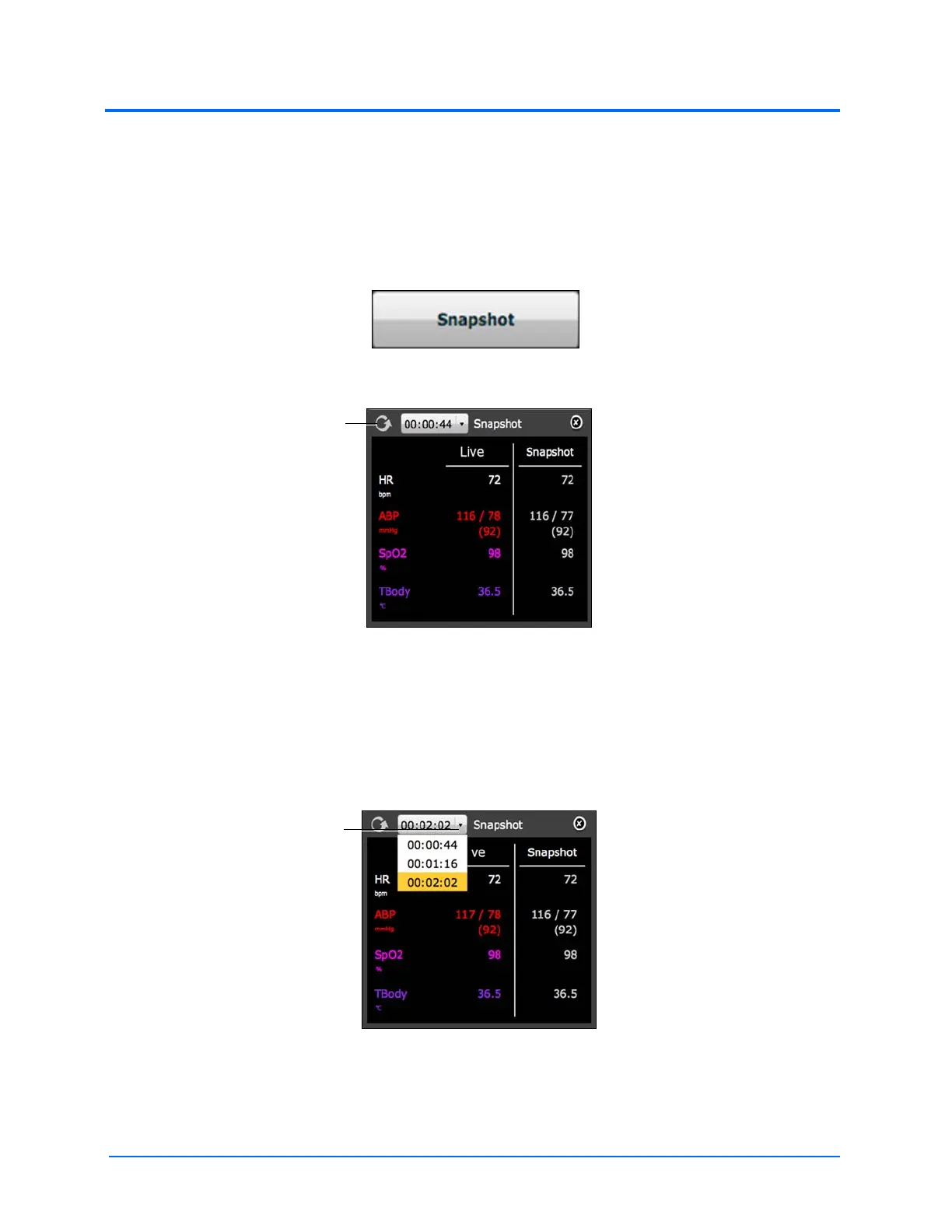
A vital signs history window can be displayed using the Snapshot button.
To capture the vital signs history:
1. Click the Snapshot button on the bottom of the TouchPro display
The Snapshot Button
The Snapshot Window
2. To take another snapshot, click the Capture Snapshot (refresh) button
IMPORTANT: The Capture Snapshot (refresh) button is used to take all subsequent
snapshots.
The time when the snapshot was taken is displayed in the simulation time dropdown.
3. Click the simulation time dropdown to display and select any snapshot time
The Snapshot Window
4. Click the X to close the Snapshot window
The Capture Snapshot (refresh)
button
The simulation time dropdown



 To Next Page