Using Müse
47
PN: 905K520652 v2.8
Transitioning Scenario States from the Scenario
Screen
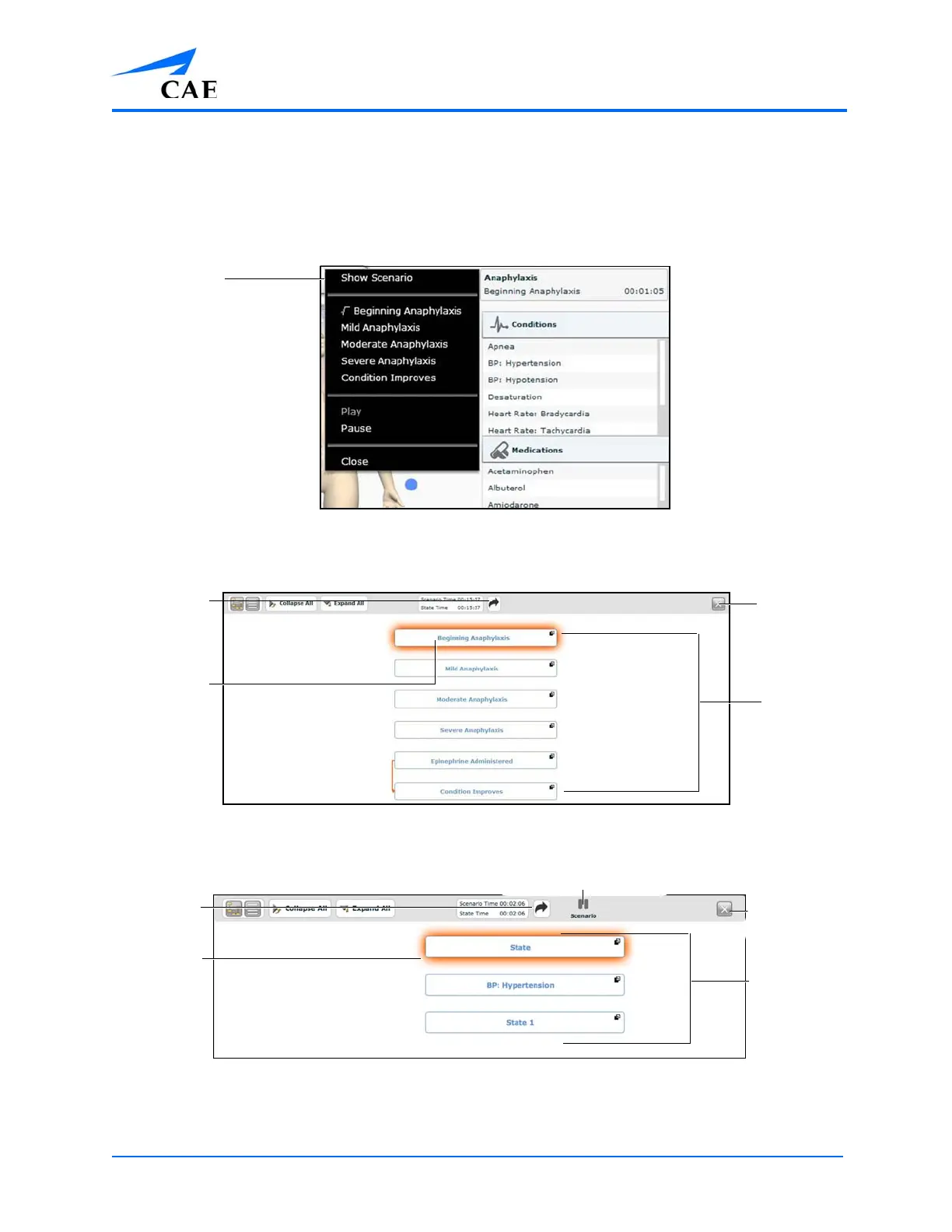
To move between scenario states from the Scenario Screen:
1. From the Run screen, click the desired loaded scenario
The Scenario Management Pop-Up Menu
2. From the menu, select Show Scenario
The Scenario Screen
The Scenario Screen
Selected
state
The Jump to
State button
States
The Close
Window
Button
Selected
state
The Jump to
State button
States
The Close
Window
Button
The Pause / Play



 To Next Page