Using Müse
101
PN: 905K520652 v2.8
Providing Access to Content Only
To provide users with the ability to create and manage SCEs, but NOT the ability to manage users or
groups:
1. Create a new group called Content Only
2. Assign the group the Content Management privilege. Do NOT assign any other privileges
to the group
3. On the User Accounts tab, create or edit the desired users, placing each user in the
Content Only group
System Settings
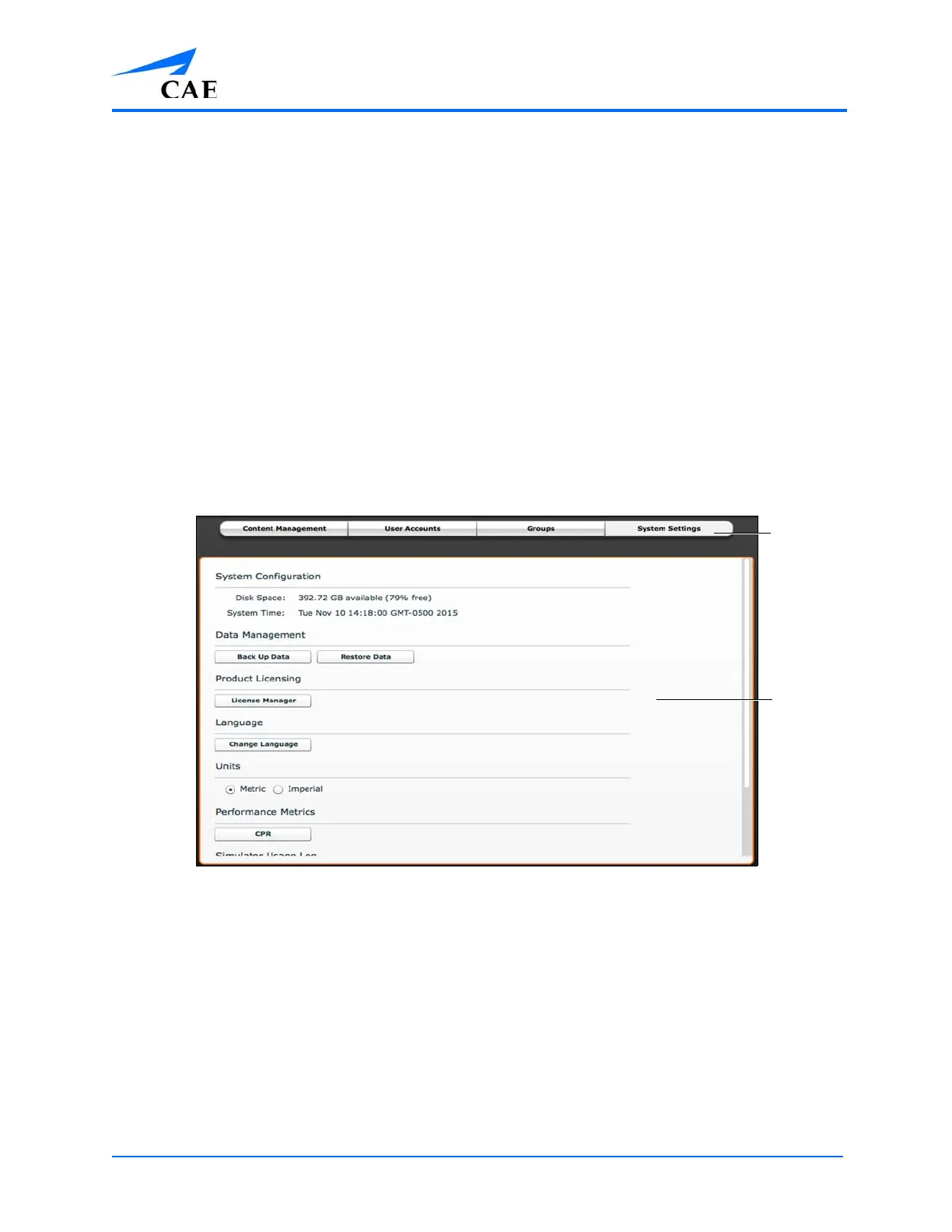
From the System Settings panel, users can manage the System Configuration, Data Management,
System Updates, Product Licensing, Language, Units, Updates, Simulator Usage Log, Error Log, CPR,
and Performance Metrics of the Müse software.
To access the System Settings panel, from the System Administration screen, click System The
System Settings panel appears.
The System Settings Panel
TIP: Height and weight can be set to display in Metric or Imperial units.
Note: System Settings functions are available only to users with the System Management privilege.
System Configuration
Under System Configuration, Disk Space and System Time are displayed.
The
System
Settings
button
The
System
Settings
panel



 To Next Page