Setup
14
CAEAthena
PN: 905K520652 v2.8
Step 6: Start Müse
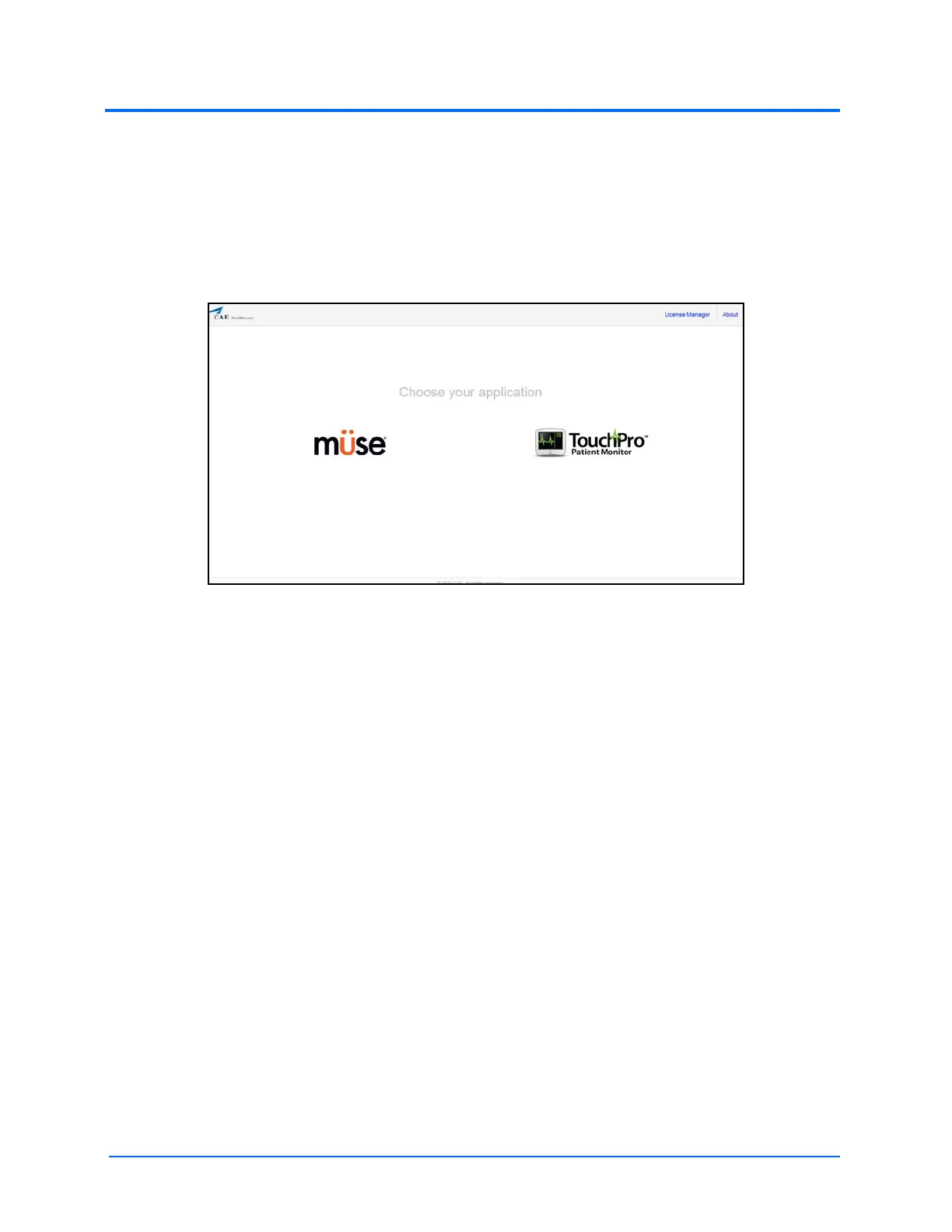
Open your web browser and, from the Müse Start screen, Müse and TouchPro can be launched.
Click the Müse icon to launch Müse. For more information, see the Using Müse section of the User
Guide.
The Müse Start Screen
For more information on how to use the TouchPro software, see Using the
TouchPro Patient Monitor section or Using the TouchPro CTG section in this user
guide.



 To Next Page