Using Vivo
140
CAEAthena
PN: 905K520652 v2.8
The Data Capture Window
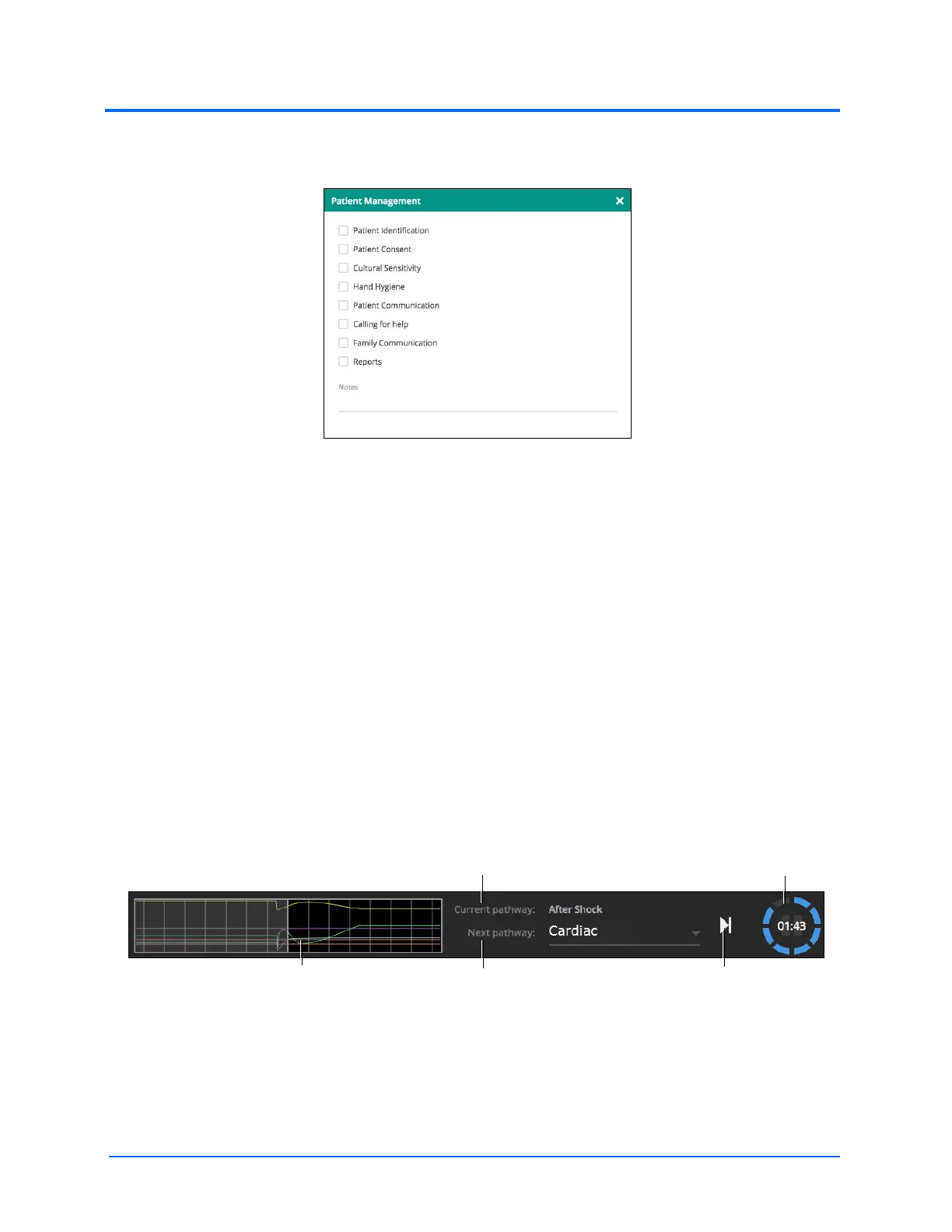
Depending on the previous action, swiping left opens the data capture/checklist window for the most
recently accessed data.
For example:
• If no right-swipe has been made, then the Patient Management window will open with
a left-swipe
• If Medications are accessed with a right-swipe, then the Drugs window will open with a
left-swipe
• If the Intubation tile (with notes icon) is accessed, then the Intubation window will open
with a left-swipe
Tap the X or swipe the window right to close the window.
Pathways
The pathway toolbar is located at the bottom of the Vïvo screen. The pathway toolbar shows the
pathway predictor, the Current pathway, the Next pathway queue, and the countdown timer.
Note: Run on the fly SCEs will display “Current pathway” and “Next pathway”. Preconfigured and
saved SCEs will display “Current state” and “Next state”.
The Play/Next iconThe Pathway Predictor The Next pathway queue
The Current pathway
The countdown timer



 To Next Page