Using Müse
22
CAEAthena
PN: 905K520652 v2.8
Printing SCEs
To print an SCE:
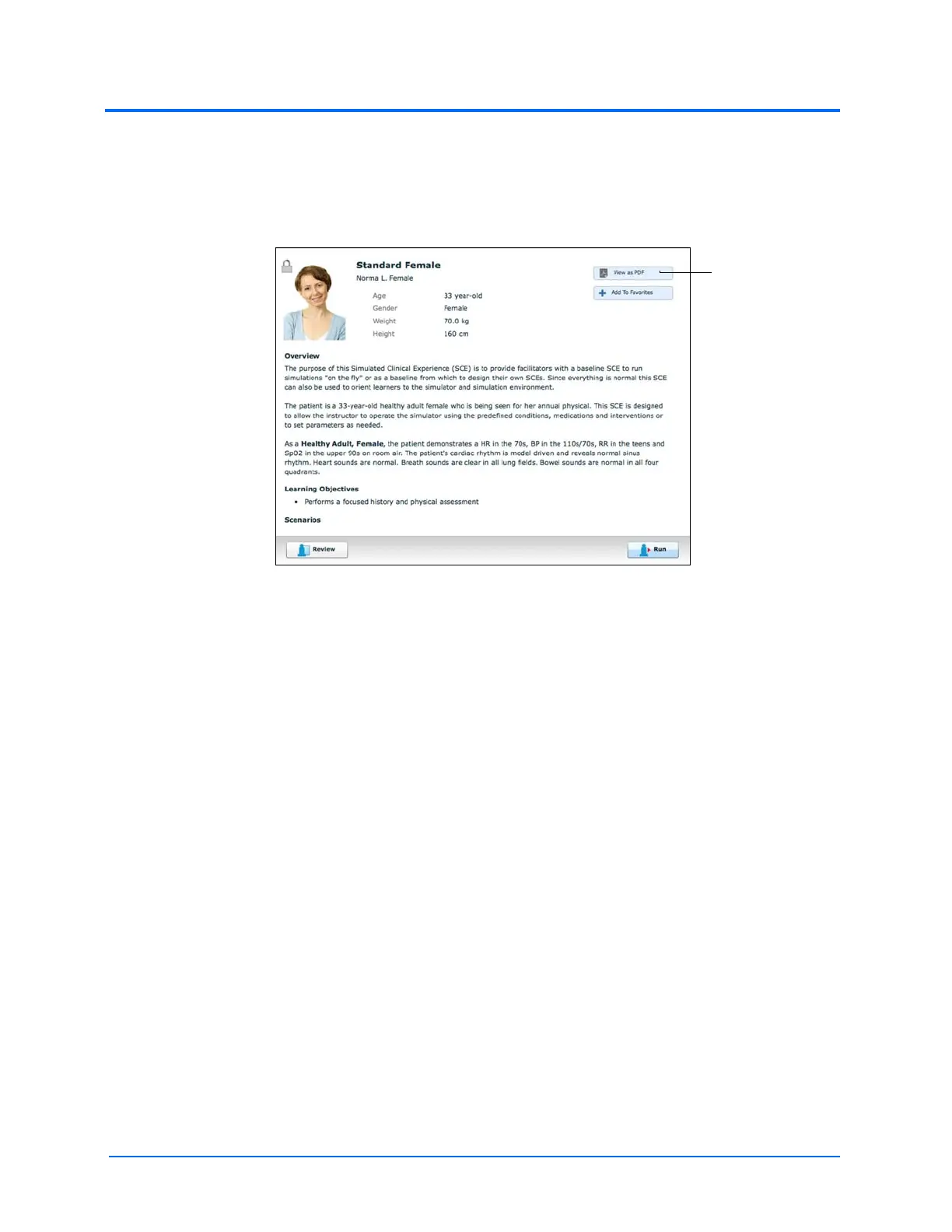
1. From the Home page, select the SCE to print
The SCE Summary Panel
2. From the SCE summary panel, click the View as PDF button
3. Save the PDF to an external storage device to print from another computer
Note: To print from the Instructor Workstation, consult your network administrator for
assistance connecting to a printer.
4. When finished saving or printing the PDF, close the browser window containing the PDF
to return to Müse



 To Next Page