Using Müse
55
PN: 905K520652 v2.8
Resetting a Patient
Resetting a Patient brings the Patient back to its original physiological state before any scenarios
were applied or modifications were made. Any running scenarios are paused. However, the SCE time
is unaffected. Additionally, the reset appears in the Event Logs.
To reset a patient:
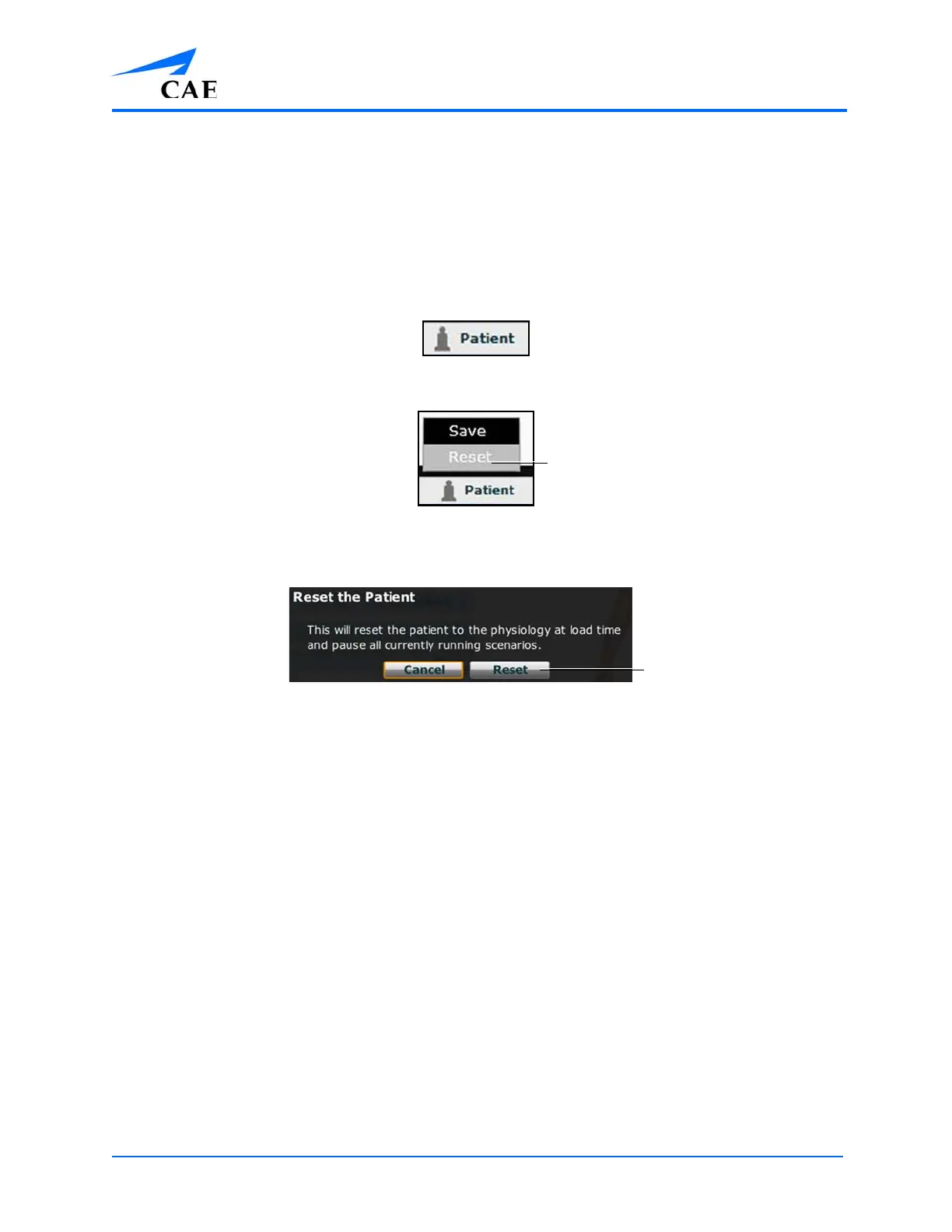
1. While running an SCE, click Patient at the bottom of the Run screen
The Patient Button
The Patient Pop-Up Menu
2. Click Reset
The Reset the Patient Dialog Box
3. Click Reset
The patient reset is indicated with a red marker on the SCE timeline bar.
4. To resume any paused scenarios, click the loaded scenario on the left side of the screen
5. From the Scenario Management pop-up menu, select Play



 To Next Page