Setup
9
PN: 905K520652 v2.8
Step 2: Power on the Manikin
To power on the manikin:
a. Prior to powering on the simulator, ensure the Athena manikin has fully charged
batteries inserted into the left side of the torso, or the power cord is attached on the
right side of the torso
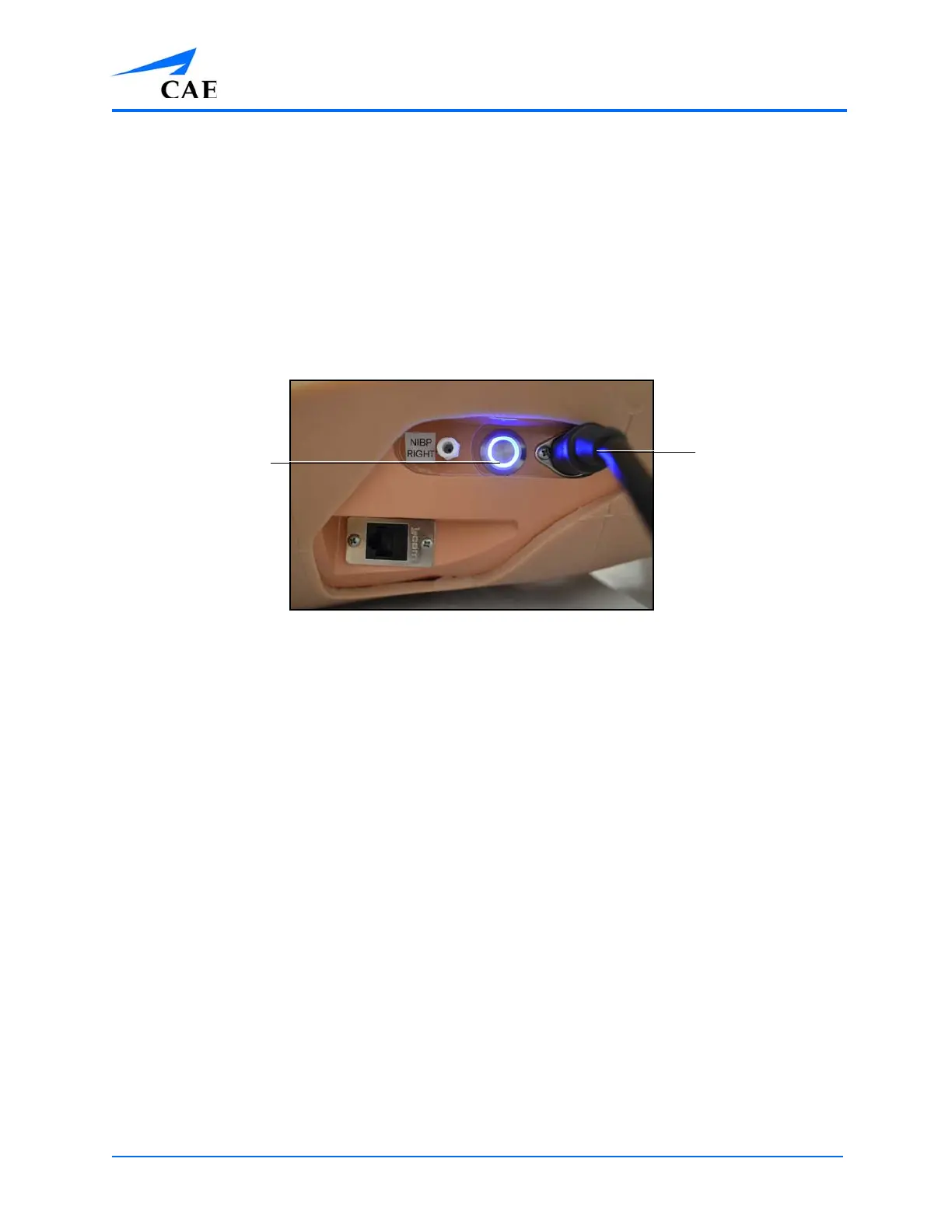
b. Locate the power button on the right side of the manikin’s torso
c. Press and release the power button
The button illuminates when the manikin is powered on.
The Manikin Power Button and Power Cord
IMPORTANT: Wait three (3) minutes while the simulator establishes a wireless network before attempting
to connect to the instructor workstation. Failure to wait will prevent proper connection if the user attempts
to make a direct Ethernet connection to the simulator network. The manikin should say, “Hello” when it is
ready to be used with the Müse software.
For information on recharging batteries, see the Care and Maintenance section
of this user guide.
Note: If you are using the Vïvo tablet, skip Steps 3- 6 and proceed to the Using Vïvo section of this
guide.
The Power
button
The Power
cord



 To Next Page