Using the TouchPro Patient Monitor
116
CAEAthena
PN: 905K520652 v2.8
Changing a Waveform or Numeric Display
Waveforms and numeric displays can be changed to suit the user’s needs.
To change a waveform or numeric display:
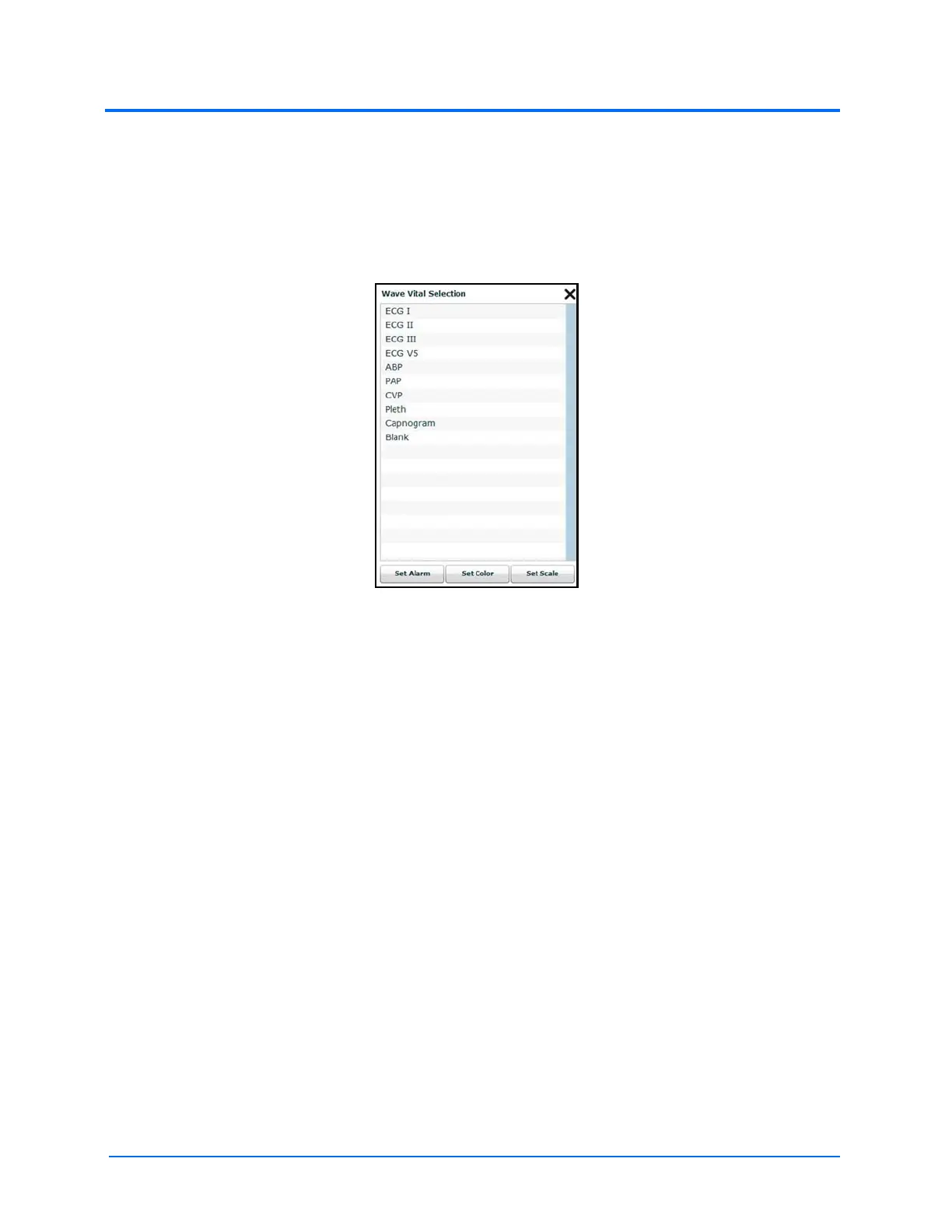
1. Click the waveform or numeric to be changed
The Wave Vital Selection Menu
2. Select the desired waveform or numeric
From the Wave Vital Selection menu, the alarm, color and scale can be set for the waveform using
the Set Alarm, Set Color and Set Scale buttons. From the Numeric Vital Selection menu, the color
and alarm for the numeric can also be established using the Set Color and Set Alarm buttons.



 To Next Page