Using Müse
44
CAEAthena
PN: 905K520652 v2.8
Using the Interventions Palette
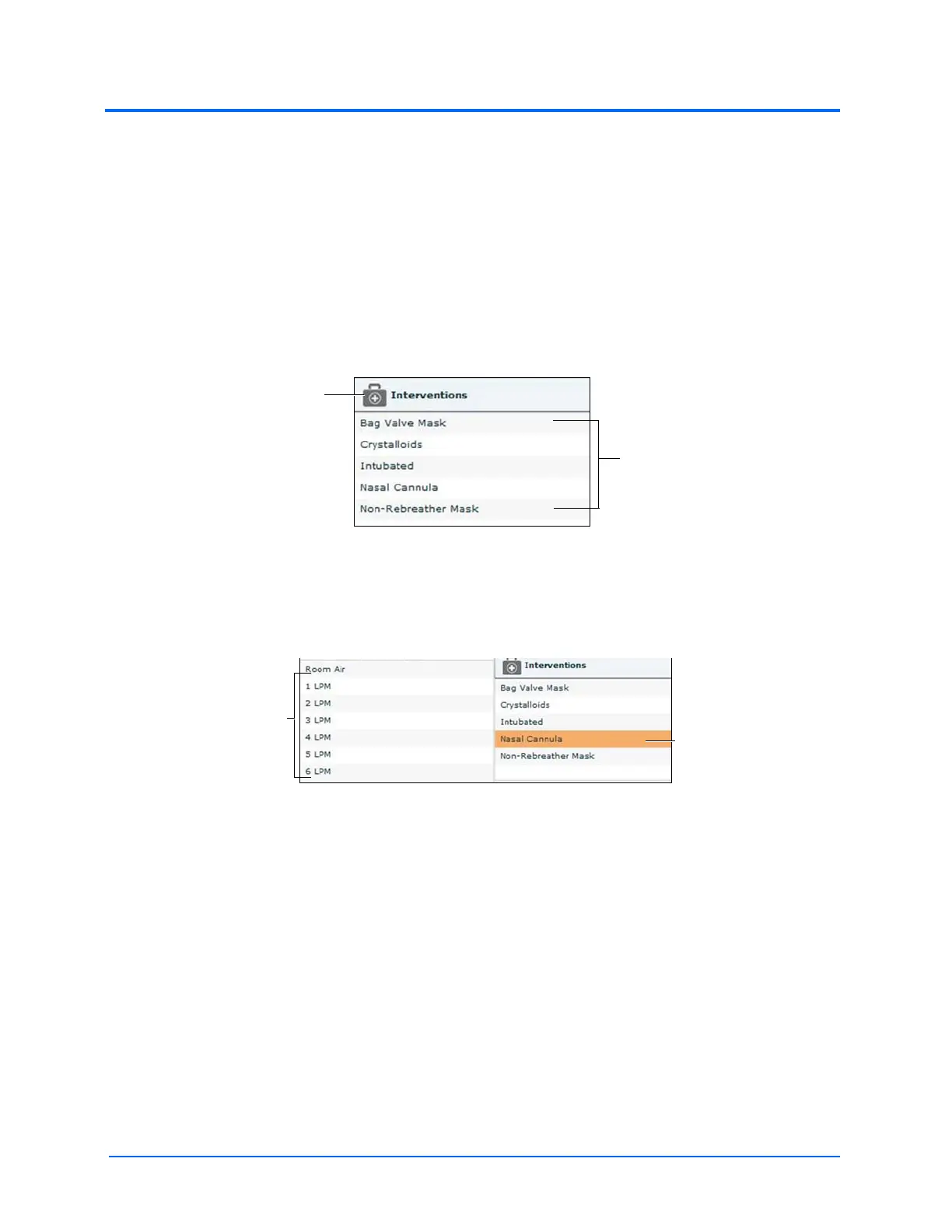
There are two ways to perform and/or administer interventions using the Interventions palette: using
a Quick Link or using the complete Interventions menu. Quick Links are preconfigured interventions
that are made accessible in the Interventions palette for quick application. Quick Links can also be
created for the Conditions and Medications palettes.
To apply an intervention using the Quick Links in the Intervention palette, click an Intervention Quick
Link.
Note: Not all interventions affect the patient’s physiology, but all are logged.
The Interventions Palette
Once an Intervention is selected, a menu appears with available options for the selected Intervention.
Click the desired option to select it. The intervention is applied and appears in the patient’s
physiology.
The Selected Intervention Options
Note: Quick Links can only be added while creating or editing the SCE.
The
Interventions
button
Quick Links
The
Interventions
options
A selected
intervention



 To Next Page