Using the TouchPro Patient Monitor
120
CAEAthena
PN: 905K520652 v2.8
Saving a Layout
Once a layout has been configured, it can be saved and reused.
To save a layout:
1. Ensure the desired waveforms and numerics are in place
2. Click Settings
3. Click Save As
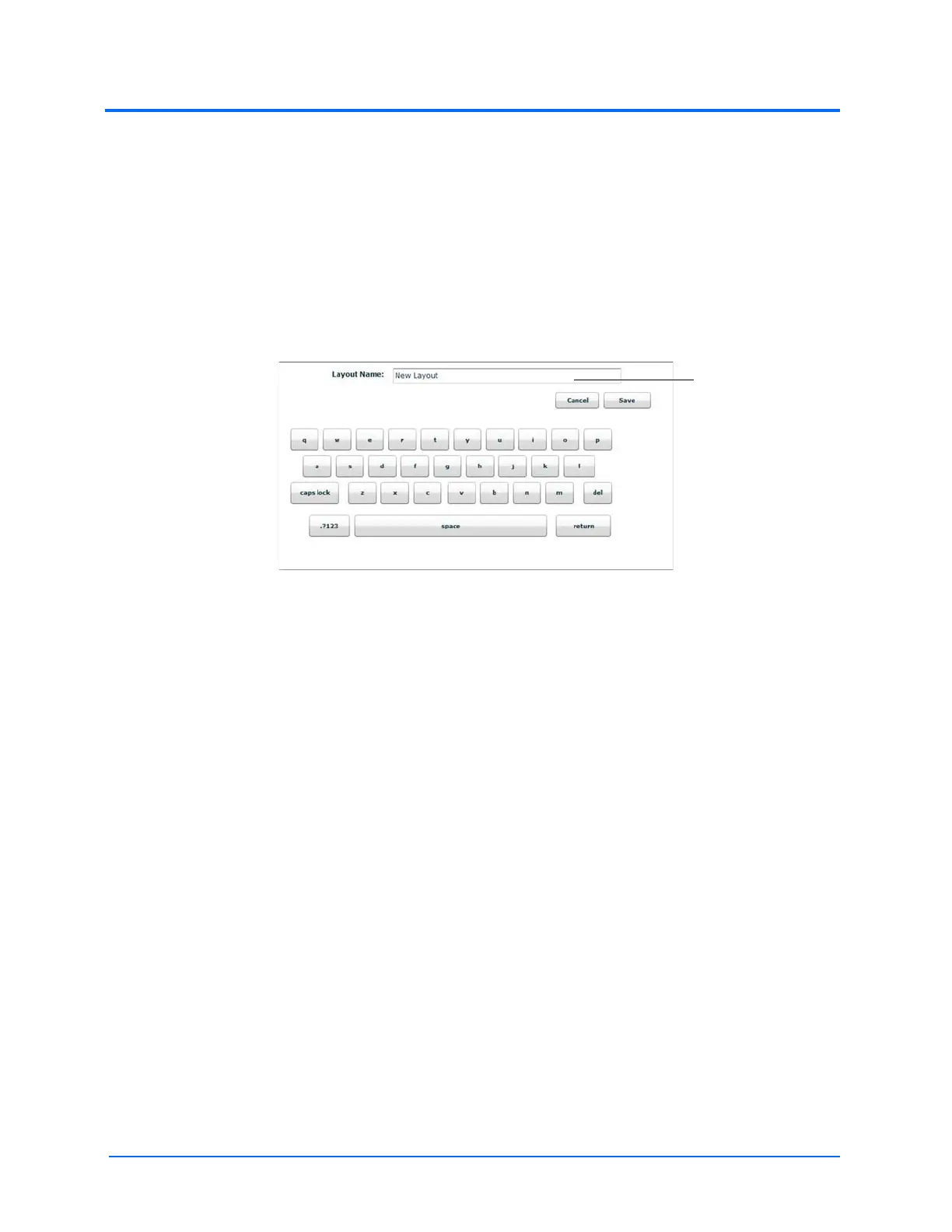
4. In the Save Layout window, in the Layout Name field, enter a name for the layout
The Save Layout Window
5. Click Save
6. Click the Close button to exit the Settings menu
Saved layouts can be deleted from the Settings menu by dragging and dropping them in the Trash.
Note: When a layout is saved, it is available for use only with the current SCE. To enable the layout for
use with any other SCE, enable the layout from the TouchPro Setup panel for the desired SCE.



 To Next Page