Using Müse
18
CAEAthena
PN: 905K520652 v2.8
The SCE Library
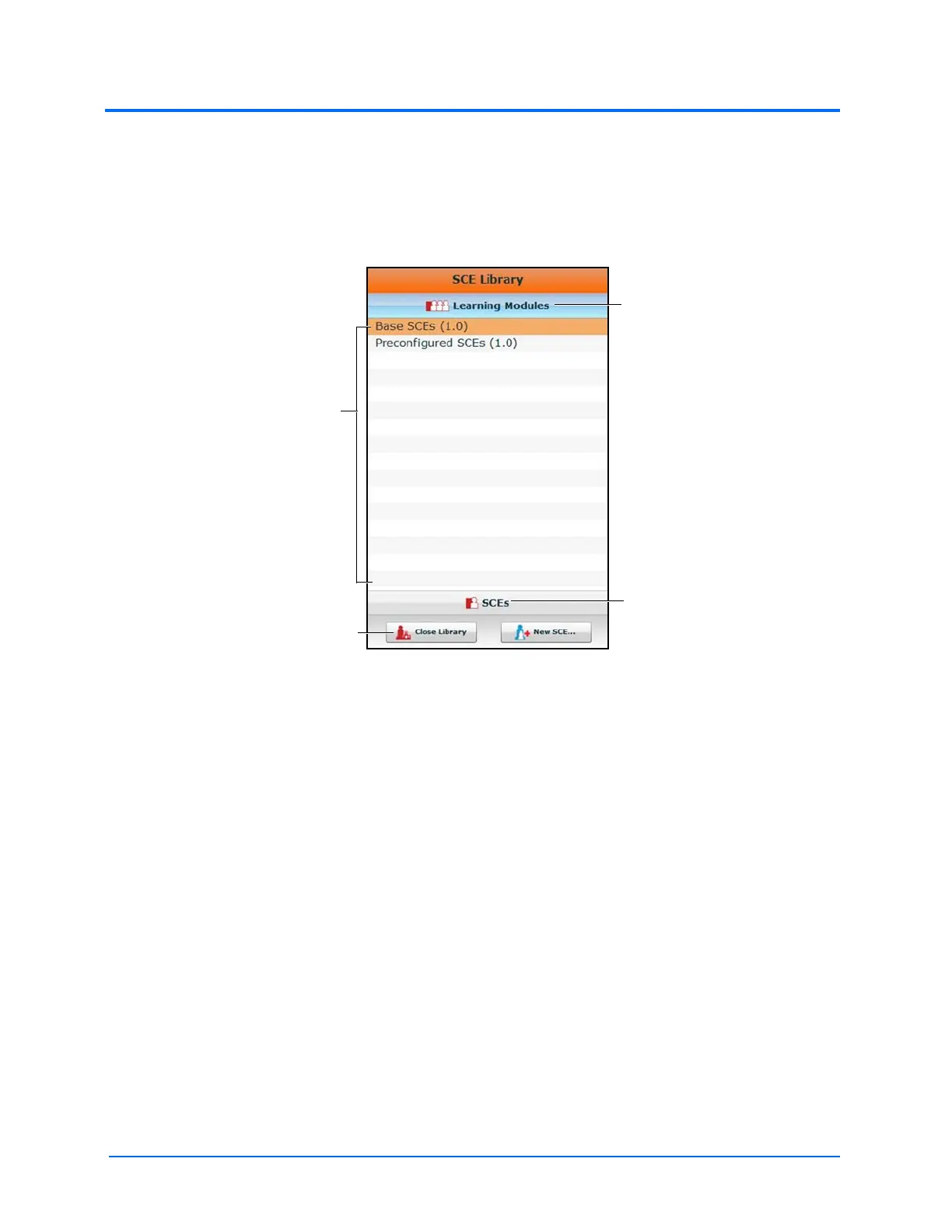
The SCE Library lists all SCEs available on your workstation. Access SCEs from your library by clicking
the Open Library button at the bottom of the SCE Selection panel. The SCE Library appears.
The SCE Library
The Learning Modules menu is open by default. The Learning Modules menu lists Base SCEs,
Preconfigured SCEs, and all installed learning modules. Click the desired learning module name to
access its SCEs, or click Base SCEs or Preconfigured SCEs. The selected SCEs appear.
Clicking the SCEs icon reveals the SCEs menu, which lists all user-created SCEs.
Clicking the Learning Modules icon again reveals the Learning Modules menu.
To open an SCE, click the name of the SCE.
Click Close Library to exit the SCE Library.
Base SCEs
Base SCEs are fundamental SCEs with no scenarios and no progression of events. Each base SCE is
designed to provide facilitators with a baseline to run simulations “on the fly” or as a physiological
baseline from which to design their own SCEs.
To access a base SCE from the SCE Library, choose Learning Modules, then click Base SCEs. The base
SCEs are displayed and available for selection.
The Learning
Modules icon
The SCEs icon
The Close
Library button
The Learning
Modules menu



 To Next Page