Using Müse
106
CAEAthena
PN: 905K520652 v2.8
Profile Information
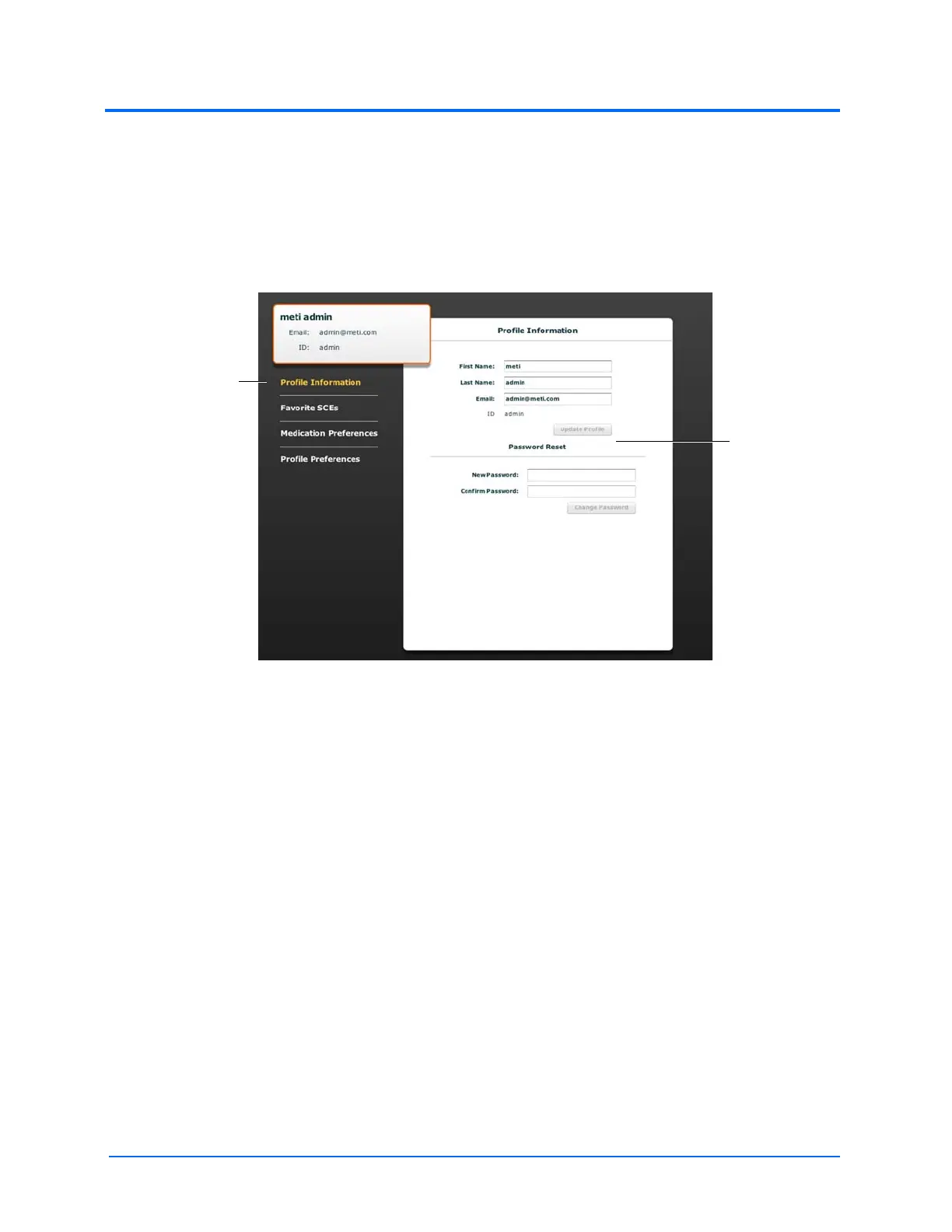
From the Account Profile screen, the Profile Information panel appears by default. If another panel
has been selected, click Profile Information to return to the Profile Information panel.
From the Profile Information panel, users can change their profile information and reset their
passwords.
The Account Profile Screen
To change profile information, enter the new information in the appropriate fields and click Update
Profile when finished.
To reset a password, enter the new password in the New Password field and re-enter the new
password in the Confirm Password field. Click Change Password when finished.
IMPORTANT: If you change your username or password, you MUST use the new username and/or
password upon your next login. You cannot access the system with the old username or password once it
has been changed.
The Profile
Information link
The Profile
Information
panel



 To Next Page