Using Müse
109
PN: 905K520652 v2.8
Profile Preferences
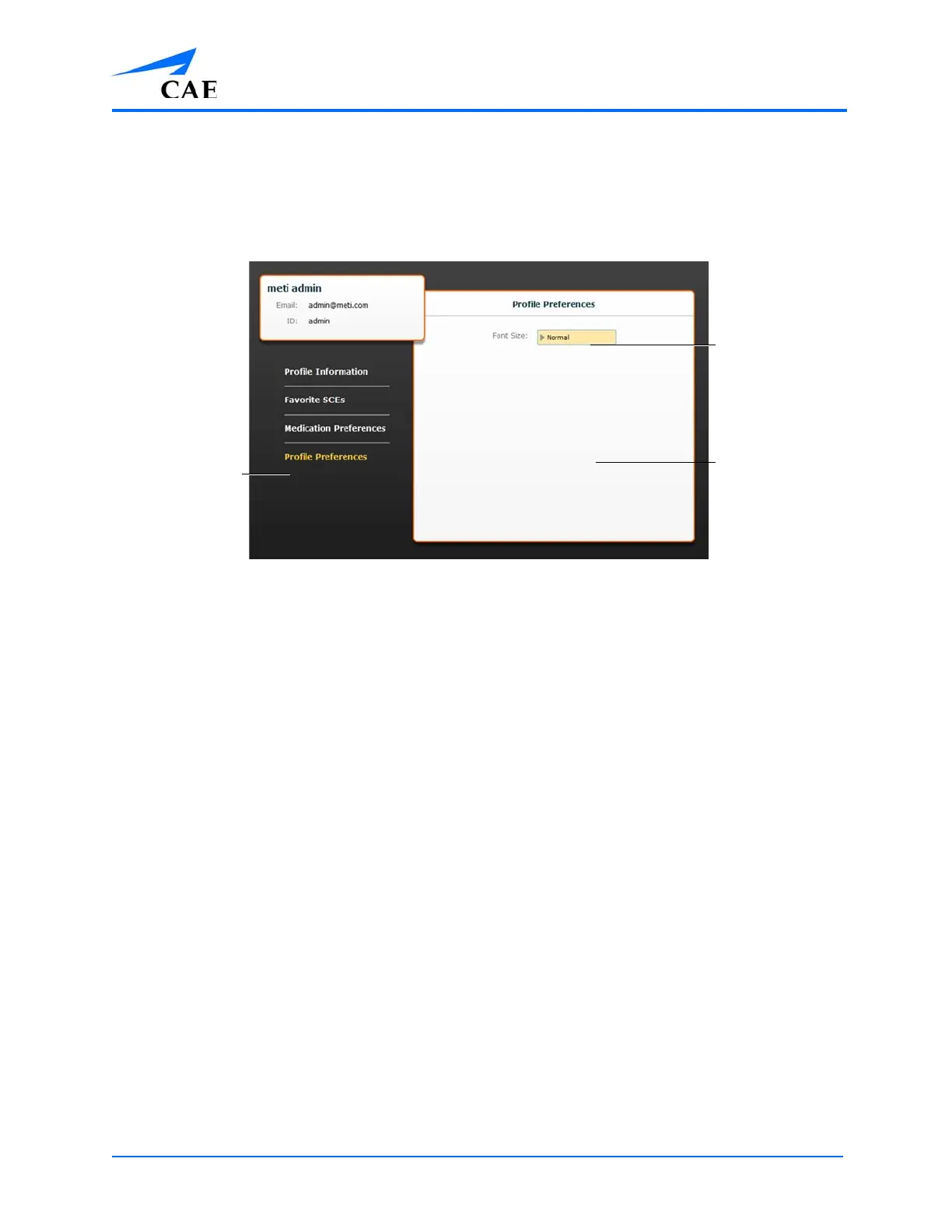
From the Profile Preferences panel, users can change the font size used in the software.
To access Profile Preferences, click Profile Preferences on the Account Profile screen.
The Account Profile Screen
To change the font size, click on the Font size selection. From the Font size drop-down menu, select
Normal, Small or Large.
The Profile
Preferences
link
The Profile
Preferences
panel
The
Font size
menu



 To Next Page