Using Müse
58
CAEAthena
PN: 905K520652 v2.8
Stopping the SCE
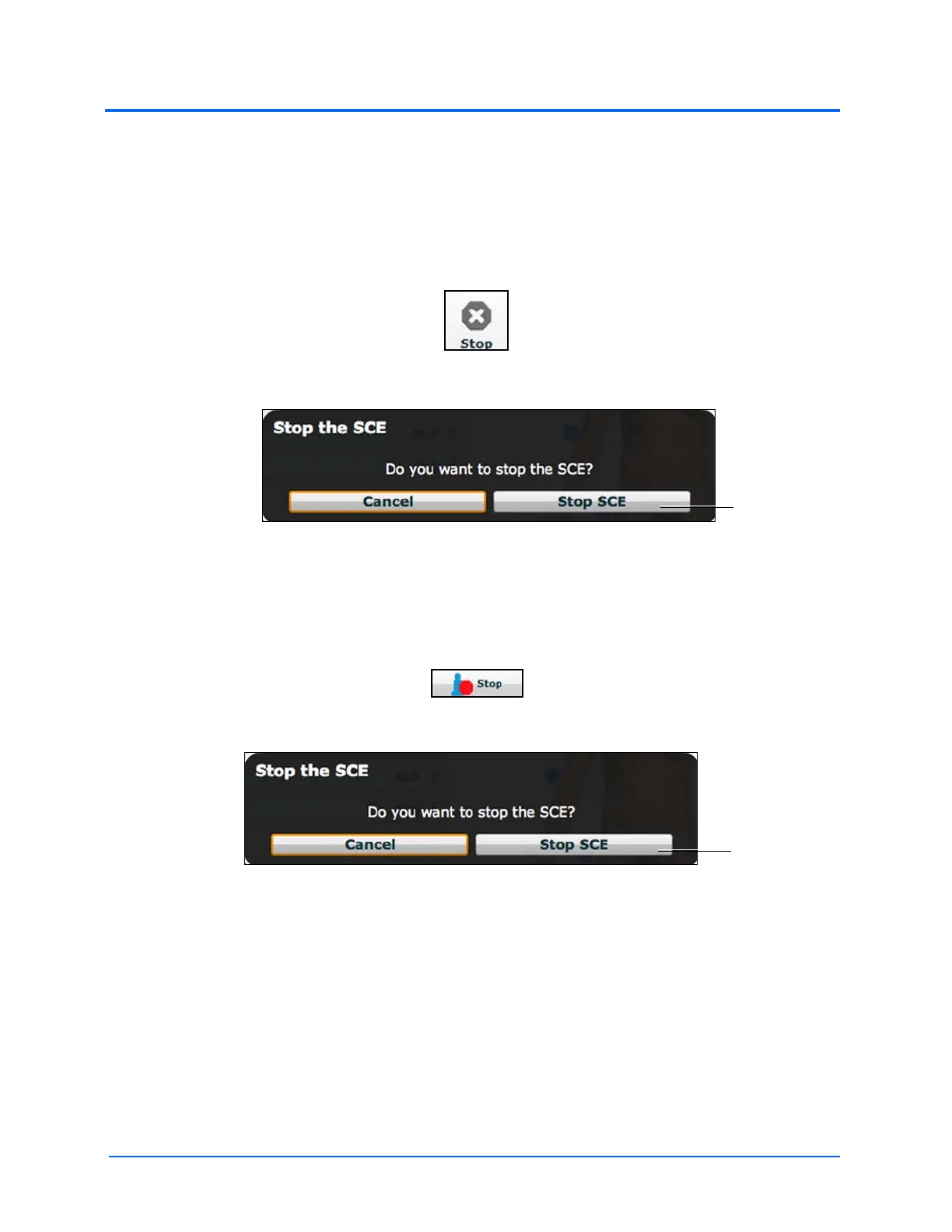
Running SCEs can be stopped from the Run screen or the Home page.
To stop an SCE from the Run screen:
1. Click Stop in the upper right corner of the screen
The Stop Button
The Stop The SCE Dialog Box
2. Click Stop SCE
To stop an SCE from the Home page:
1. Click the Stop button in the bottom left corner of the SCE Summary Panel
The Stop Button
The Stop The SCE Dialog Box
2. Click Stop SCE
IMPORTANT: Always stop all running SCEs before logging out of Müse.



 To Next Page