Using the TouchPro Patient Monitor
127
PN: 905K520652 v2.8
Configuring the TouchPro Software
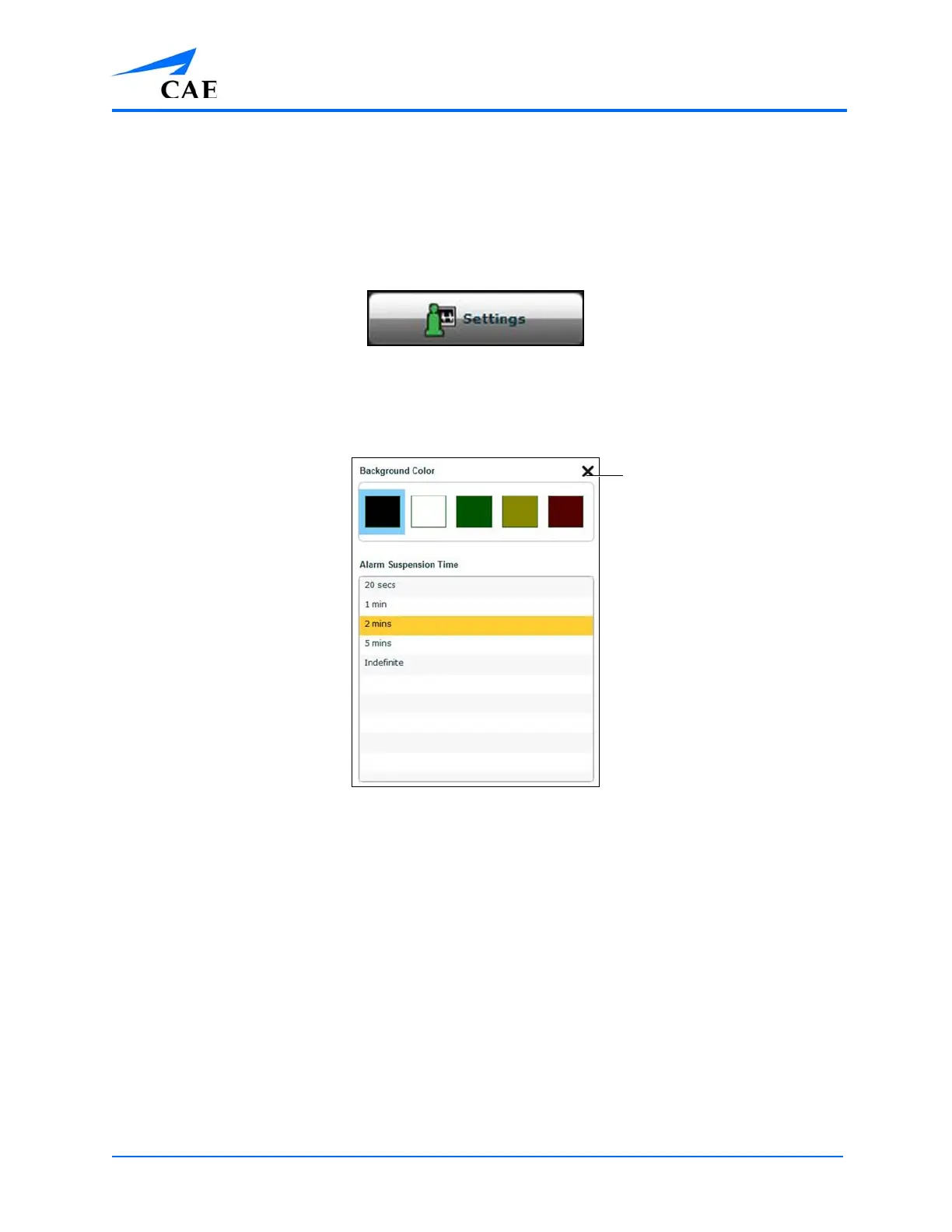
The background color and alarm suspension time can be set from the TouchPro Configure panel.
To access the Configure panel:
1. Click the Settings button in the bottom, right corner of the TouchPro screen
The Settings Button
2. From the Settings menu, click the Configure button
3. From the Configure window, set the background color and alarm suspension time
The Configure Window
4. Click the Exit button to exit the Configure window when finished



 To Next Page