Using Müse
85
PN: 905K520652 v2.8
Emptying the Trash
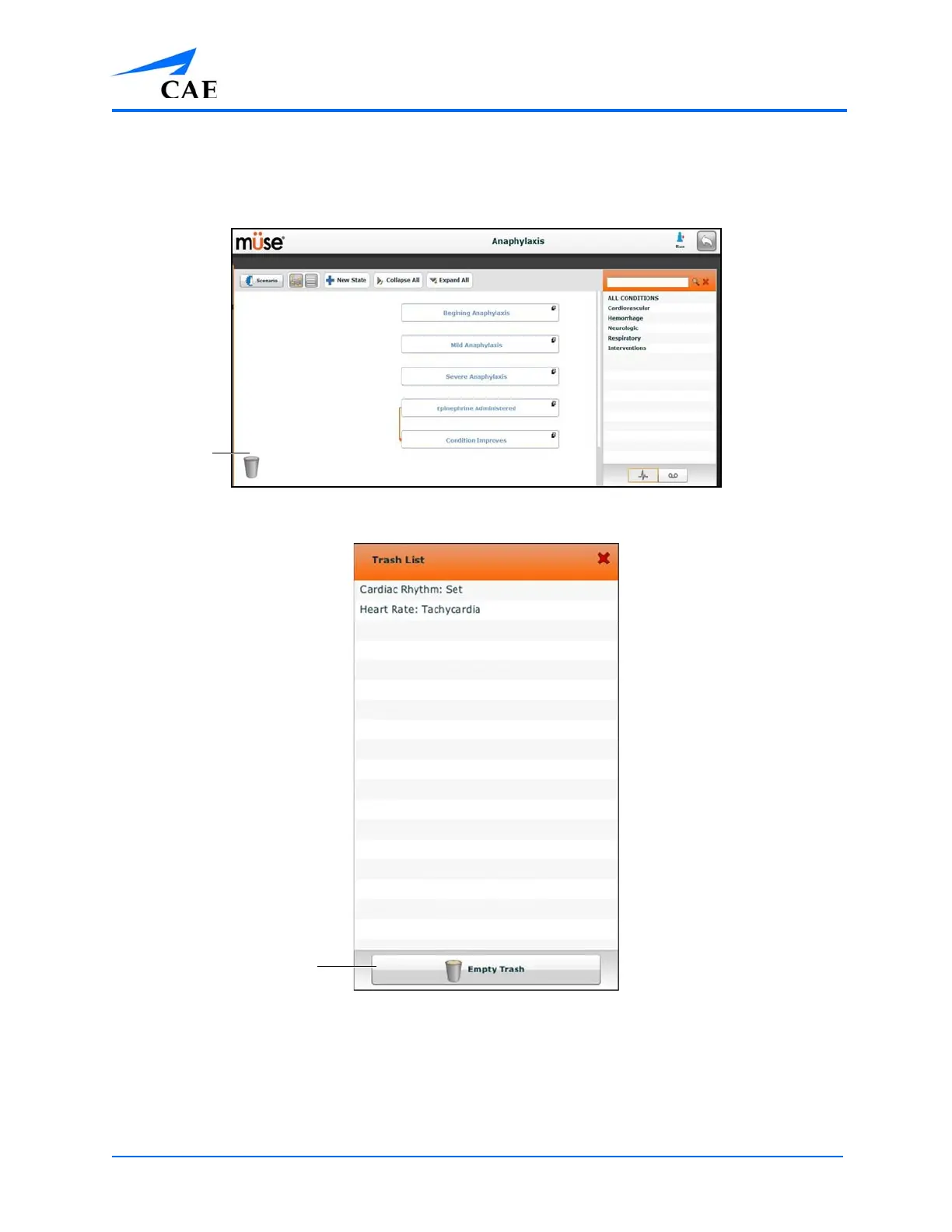
To empty the Trash, click the Trash icon in the lower left corner of the Scenario Designer.
The Scenario Designer
The Trash List
Click Empty Trash to empty the Trash. If you do not wish to delete the items listed, they can be
dragged back into the scenario, at which time they are removed from the Trash.
Logging out of the software automatically empties the Trash.
IMPORTANT: Items emptied from the Trash cannot be retrieved.



 To Next Page