Using Müse
51
PN: 905K520652 v2.8
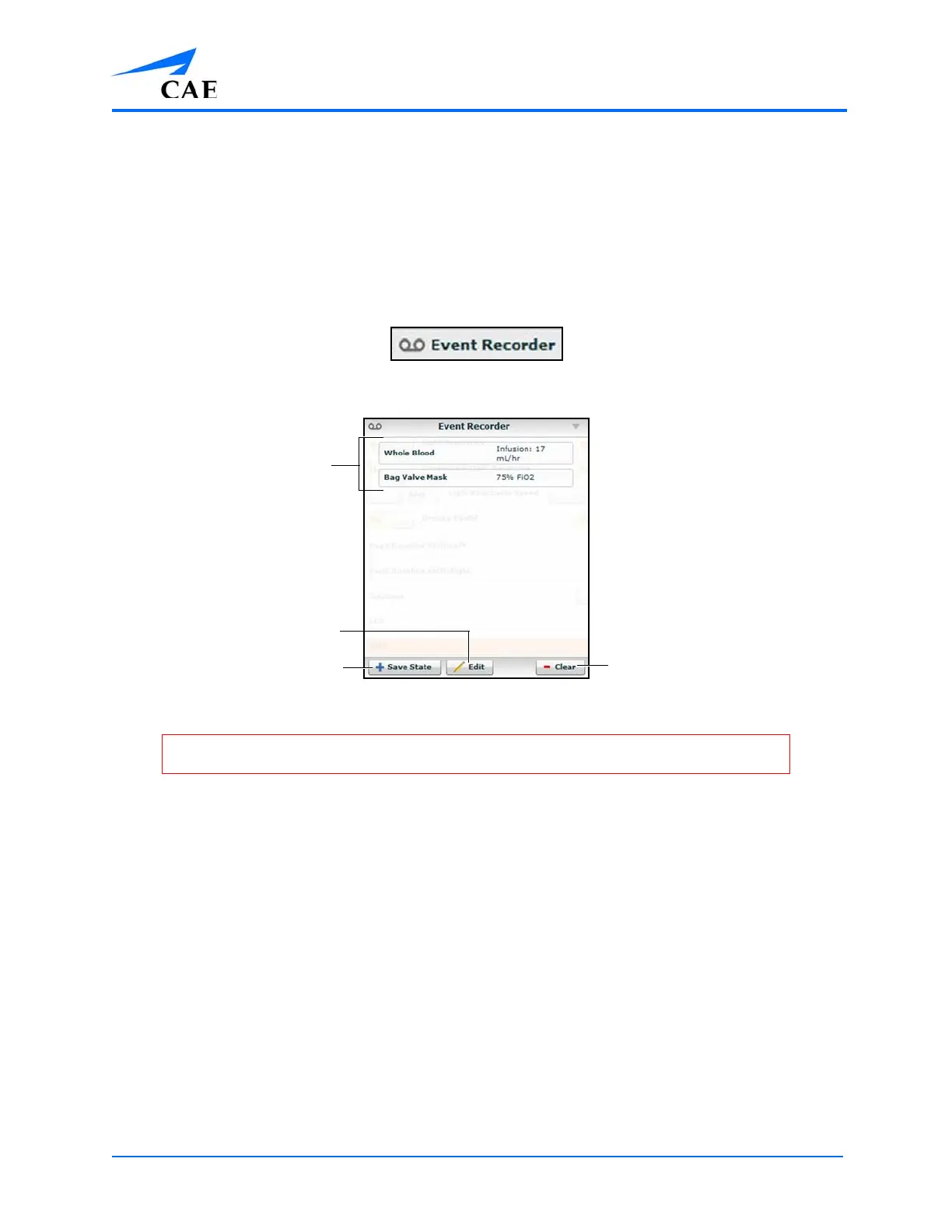
Using the Event Recorder to Save States
The Event Recorder displays all events that have occurred since the start of the SCE and can be used
to save conditions, interventions and parameter changes as states.
To save a state using the Event Recorder:
1. Apply the desired conditions, interventions and parameters
2. Click the Event Recorder button at the bottom of the Müse screen
The Event Recorder Button
The Event Recorder
3. Review the list of events
If you wish to remove any events from the state to be saved:
a. Click Edit
The Save State button
The Edit button
Events
The Clear button
WARNING: The Clear button deletes all recorded events. This action cannot be undone.



 To Next Page