Using Müse
89
PN: 905K520652 v2.8
System Administration
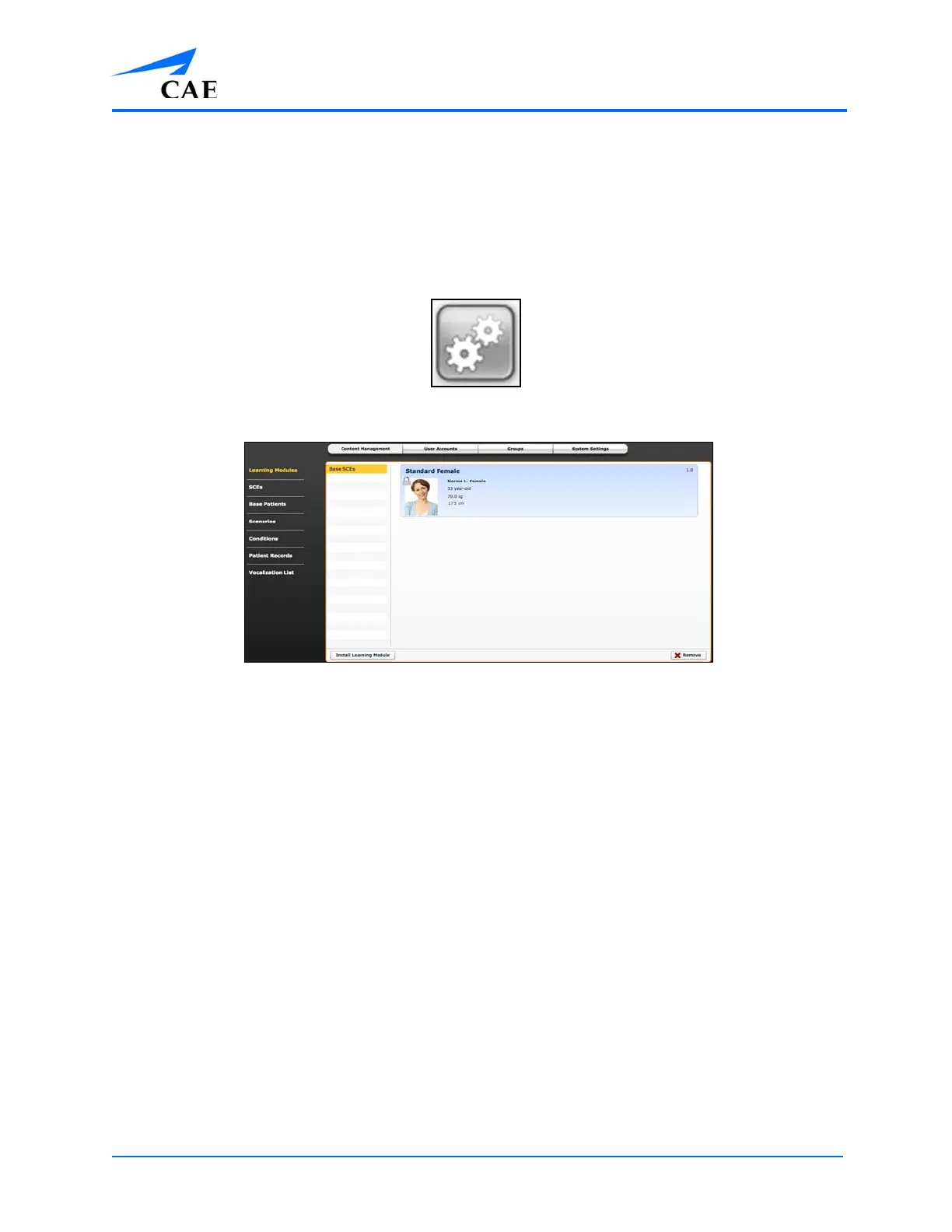
From the System Administration screen, users can control and access Content Management, User
Accounts, Groups, Maintenance and System Settings.
To access the System Administration screen, click the System Administration button from the Home
page.
The System Administration Button
The System Administration Screen



 To Next Page