Using Müse
53
PN: 905K520652 v2.8
Creating a New Patient
When an additional patient with specific physiological characteristics is needed for repeated use, a
new patient can be created from the Run screen.
To create a new Patient:
1. From the Home page, run an SCE that has a Patient with the same gender as the Patient
to be created
2. Apply the desired conditions and set the necessary parameters
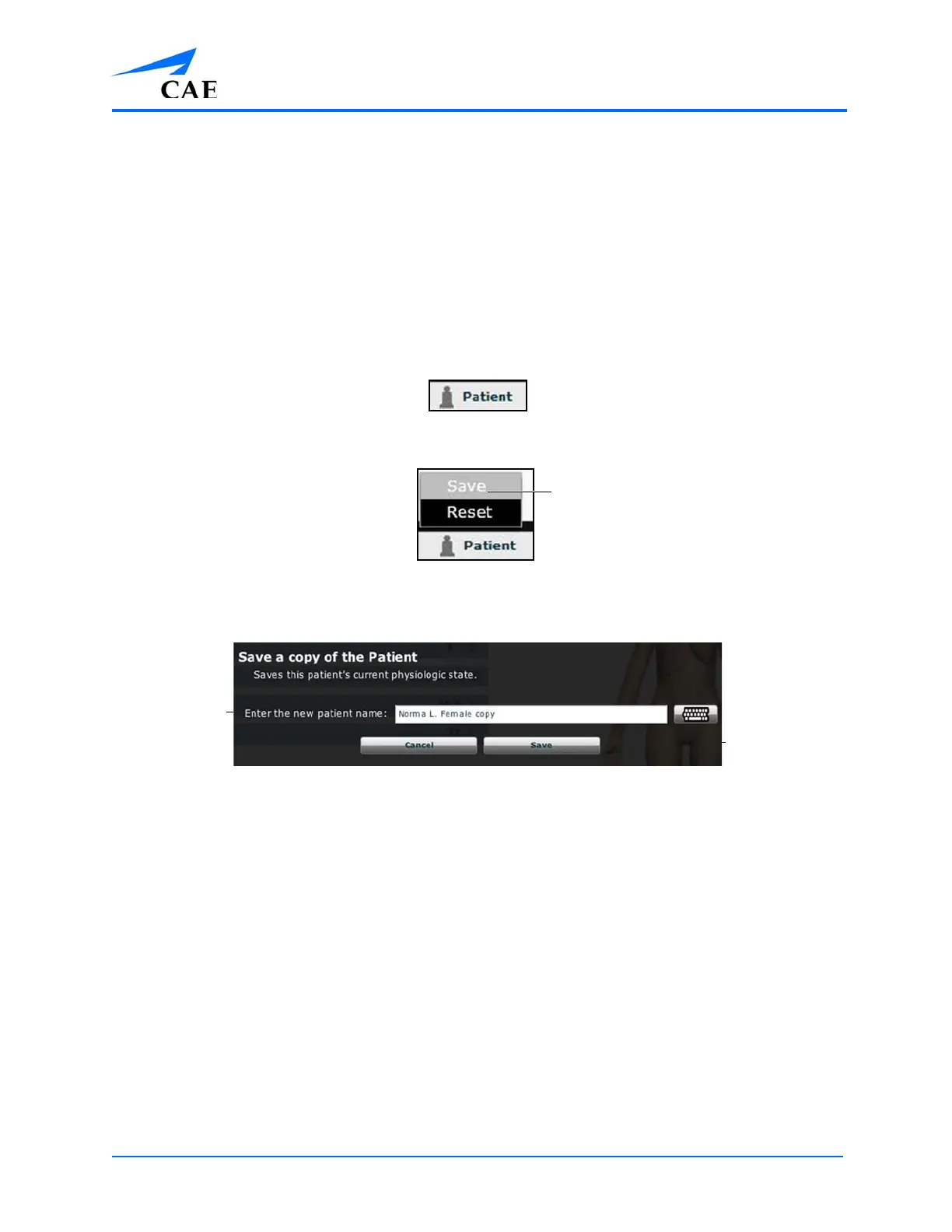
3. Once complete, click the Patient button at the bottom of the Run screen
The Patient Button
The Patient Pop-Up Menu
4. Click Save
The Save a Copy of the Patient Dialog Box
5. Enter a name for the new Patient in the Enter the new patient name field
6. Click Save
The Save
button
The Enter the
new patient
name field



 To Next Page