Using Müse
61
PN: 905K520652 v2.8
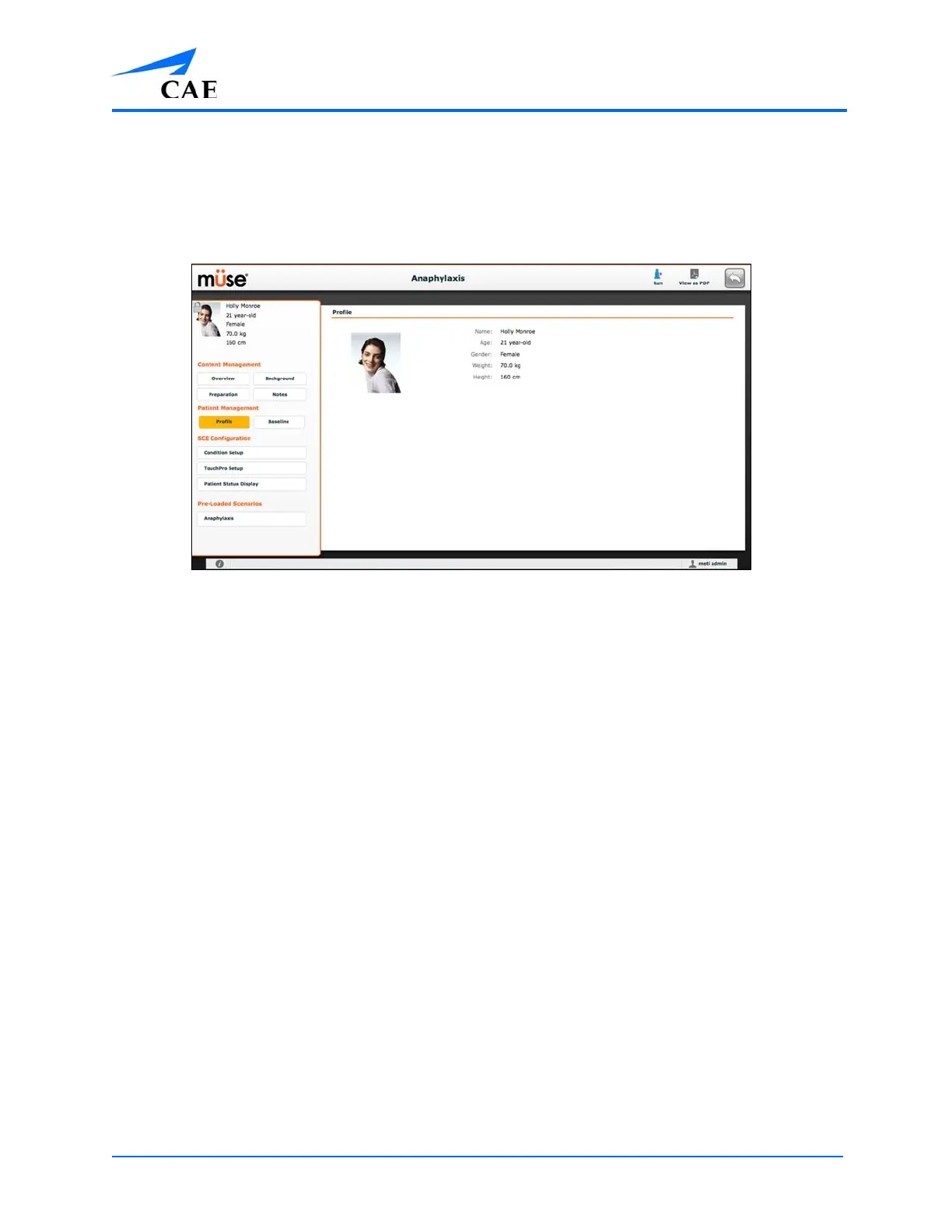
The SCE Editor
The SCE Editor can be used to review preconfigured SCEs and to create or edit custom SCEs.
To access the SCE Editor, click the Review button in the SCE Summary Panel or create a new SCE.
The SCE Editor
The buttons in the upper right corner of the SCE Editor provide options for running the SCE,
generating a printable PDF, or returning to the Home page.
The Content Management, Patient Management, SCE Configuration and Preloaded Scenarios
links in the left panel are used to review the SCE content and configuration, and to view scenarios
applied to the SCE.



 To Next Page