Using Müse
72
CAEAthena
PN: 905K520652 v2.8
Scenario Designer Views
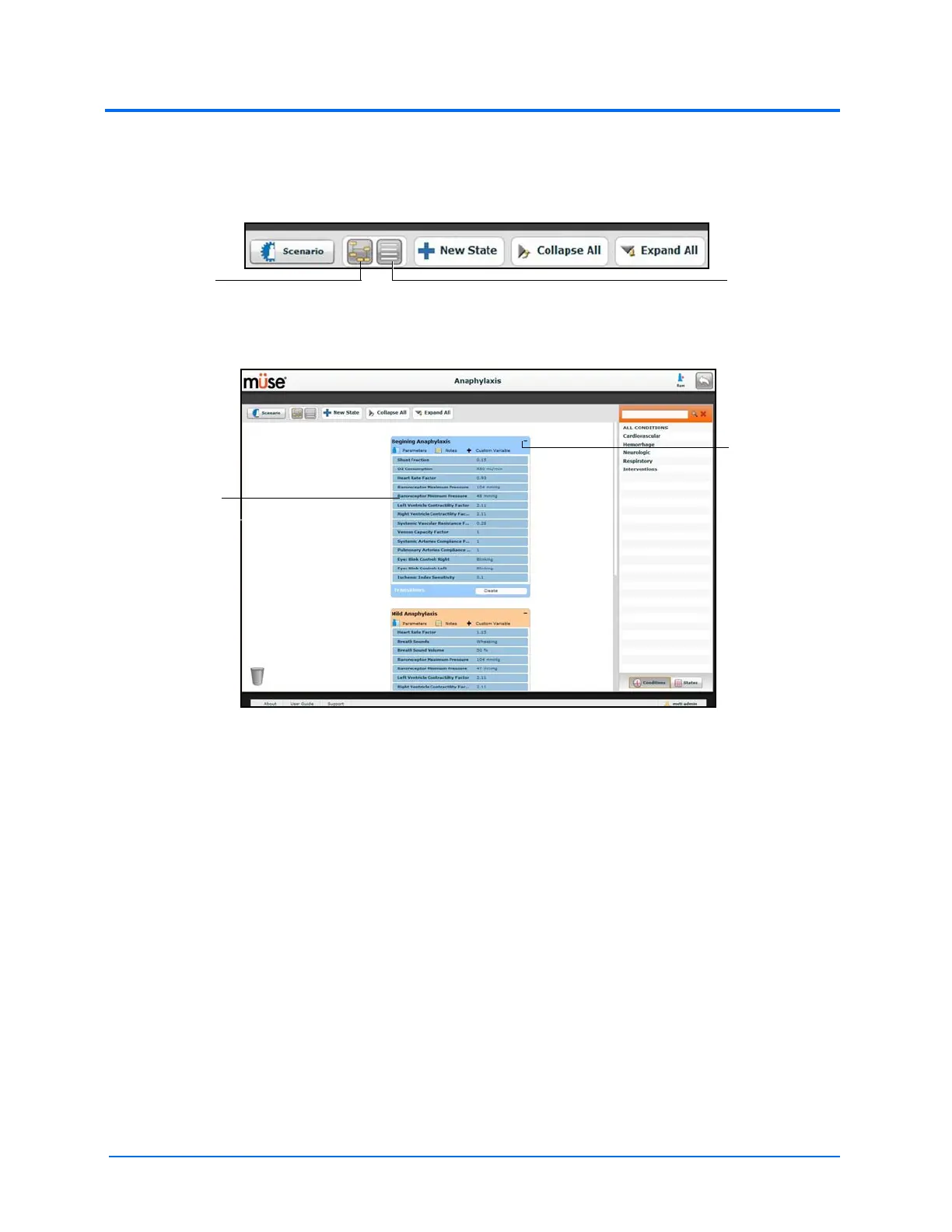
The Scenario Designer has two views: the Graphical view and the List view. The Graphical view allows
users to map out scenario states. The List view places the states and transitions into a linear format.
The Scenario Designer View Buttons
Click the Graphical view button to utilize the Graphical View.
The Graphical View
From the Graphical View, double-click on any state to expand it and view all of its components. Click
the Collapse State button to collapse an expanded state.
The
Graphical
View button
The List View
button
An expanded
state
The Collapse
State button



 To Next Page