Using Müse
64
CAEAthena
PN: 905K520652 v2.8
Content Management
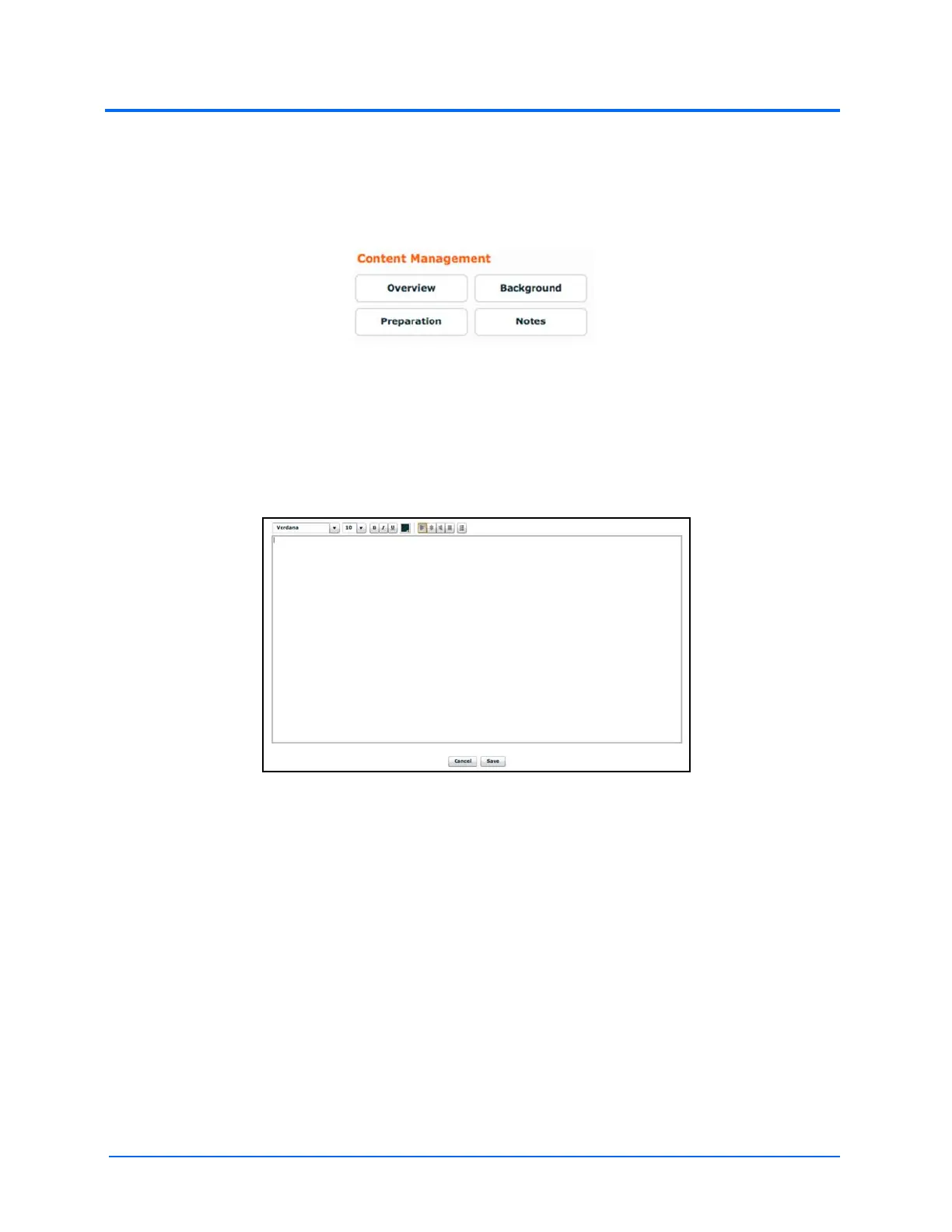
SCE Content is entered from the SCE Editor using the Overview, Background, Preparation and
Notes buttons under the Content Management heading.
The Content Management Buttons
Each button accesses a screen that allows users to enter information for the chosen section
(Overview, Background, Preparation or Notes). Click the Edit button of each section on the SCE Editor
to access a rich-text editor that enables data entry.
IMPORTANT: Text can be copied and pasted into the fields from TextEdit or Notepad only.
The Rich-Text Editor
Click Save when all data for the field has been entered.



 To Next Page