Using the TouchPro Patient Monitor
112
CAEAthena
PN: 905K520652 v2.8
Accessing the TouchPro Patient Monitor
Software
Like the Müse software, the TouchPro Patient Monitor software is compatible with computers that
have touch-screen capabilities.
To run the TouchPro Patient Monitor software, the Instructor Workstation must be connected to the
simulator’s network.
IMPORTANT: An SCE must be running on the Müse software for any physiological data to be displayed on
the TouchPro Patient Monitor software. The TouchPro Patient Monitor software can only show one Patient
at a time.
To launch TouchPro Patient Monitor from the Instructor Workstation:
1. With the Müse software running, open a new tab in the web browser and go to the
Home page of the web browser
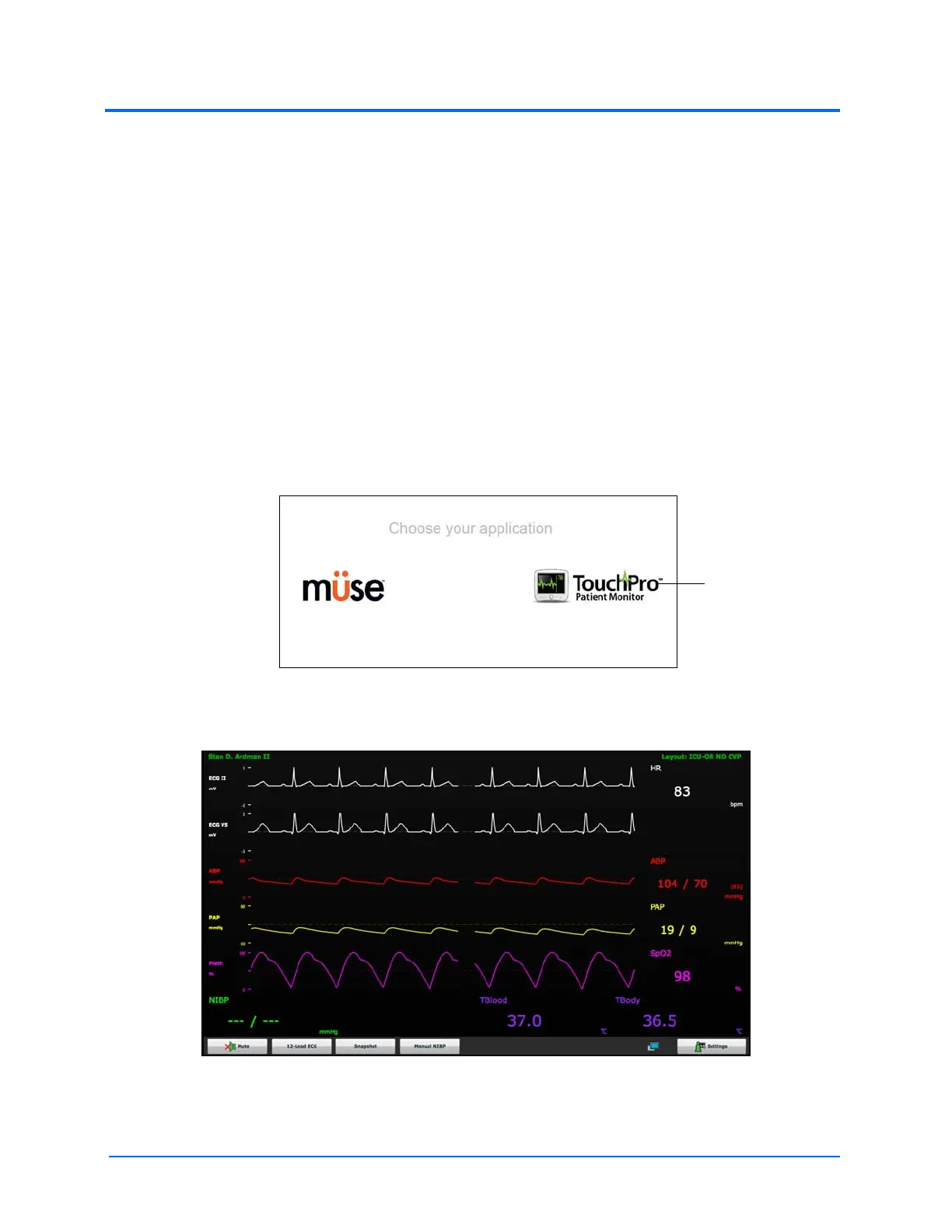
The Müse Start Screen
2. Select the TouchPro Patient Monitor icon
The TouchPro Display



 To Next Page