Using the TouchPro Patient Monitor
128
CAEAthena
PN: 905K520652 v2.8
Changing the TouchPro Language
To change the language of the TouchPro software:
1. Click the Settings button in the bottom, right corner of the TouchPro screen
The Settings Button
2. From the Settings menu, click the Language Selection button
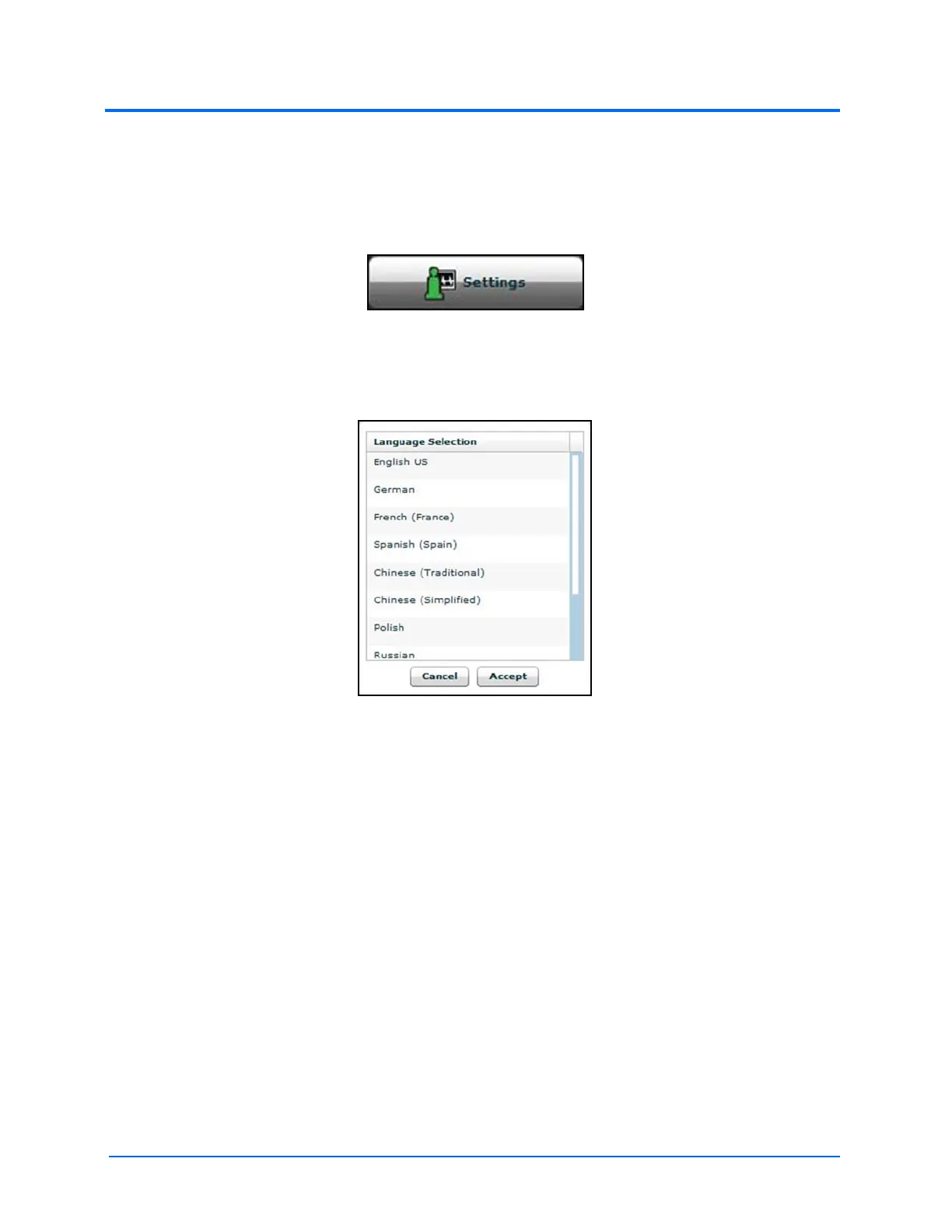
3. From the Language Selection window, select a language
The Language Selection Window
4. Click Accept



 To Next Page