Using the TouchPro Patient Monitor
122
CAEAthena
PN: 905K520652 v2.8
12-Lead ECG
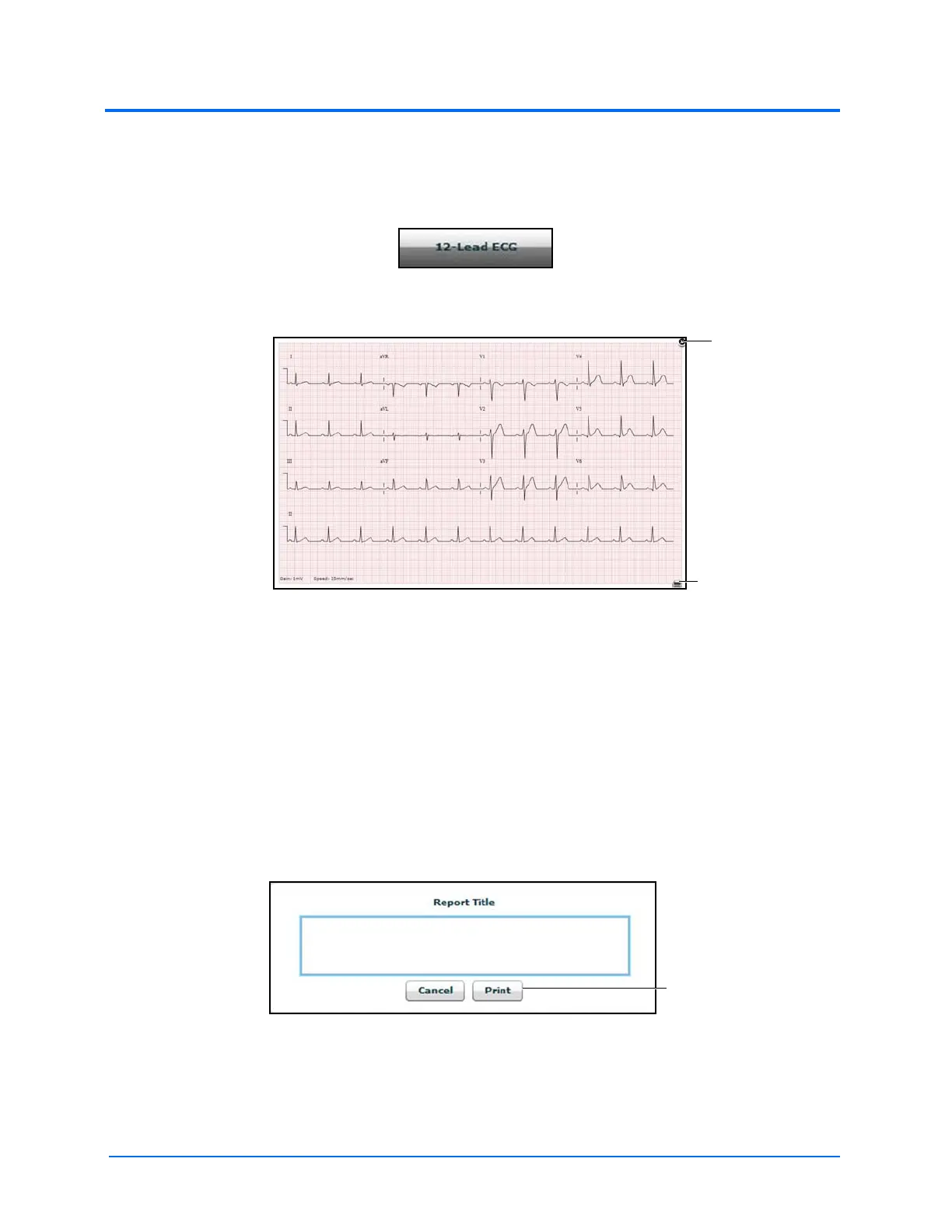
To view a 12-lead ECG report, click the 12-Lead ECG button at the bottom of the TouchPro screen.
The 12-Lead ECG Button
A 12-Lead ECG Report
The report can be printed or saved by clicking the Print button in the bottom right corner of the 12-
lead ECG report.
To close the report, click the Close button.
IMPORTANT: Prior to saving the report as a PDF or printing to a network printer, the print presets must be
adjusted. The page orientation must be set to Landscape and the margins must be set to .25 inches on all
sides. These settings vary in location depending on the operating system (i.e., Macintosh or Windows).
To save the report to a PDF file on a Macintosh Instructor Workstation:
1. From the 12-lead ECG report screen, click the Print button located in the bottom right
corner of the 12-lead ECG report
The 12-Lead Report Title Window
2. Enter a title for the 12-lead report
3. Click Print
4. On Page Setup Window, click OK
The Close button
The Print button



 To Next Page