Using Athena
179
PN: 905K520652 v2.8
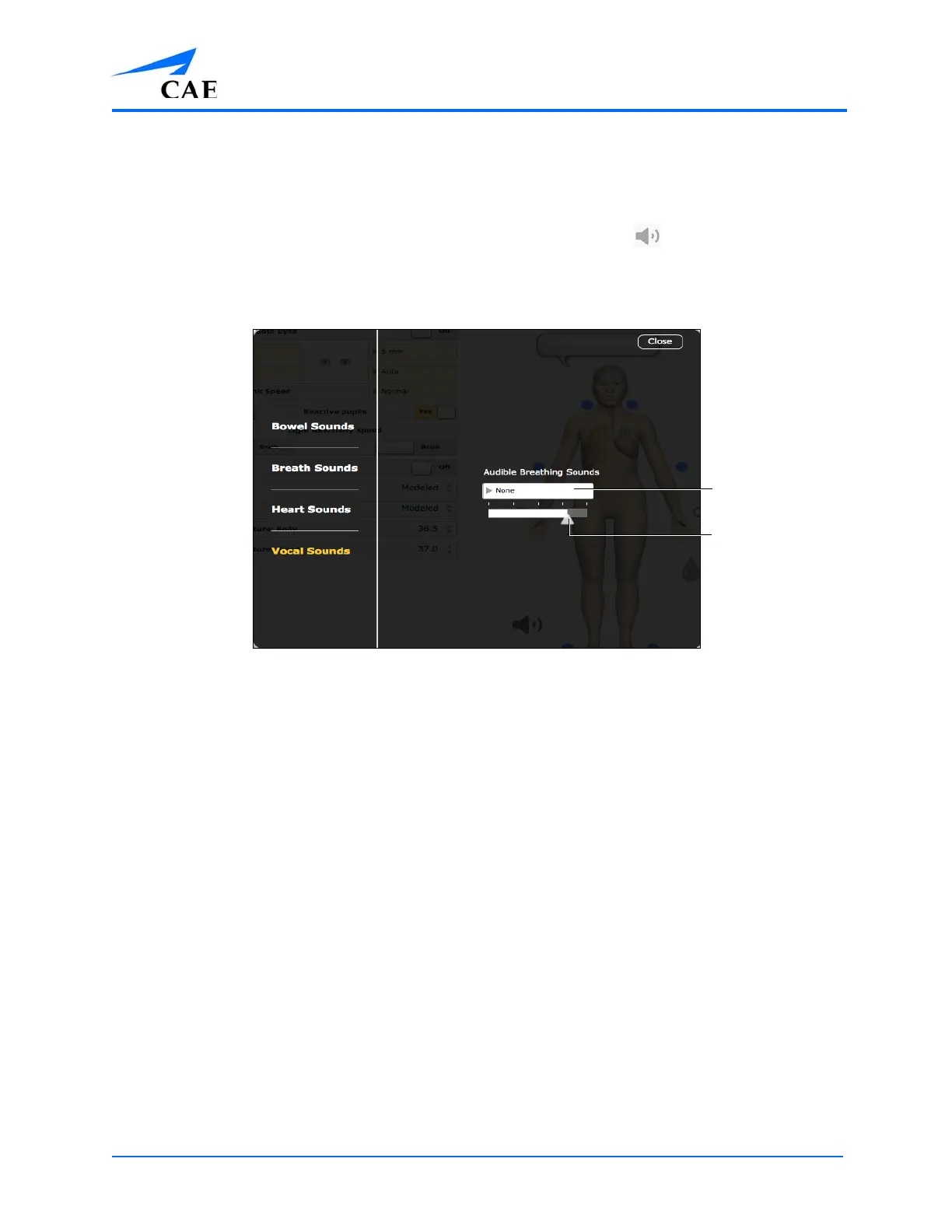
Audible Breathing Sounds
Audible breathing sounds, such as wheezing and gasping, can be heard without the use of a
stethoscope.
Audible breathing sounds can be adjusted by clicking the Sound Control icon on the Run screen.
When the Sounds panel appears, select Audible Breathing Sounds. The Audible Breathing Sounds
menu appears.
The Audible Breathing Sounds Menu
Click the Audible Breath Sounds drop-down menu to change the type of sound.
Click and drag the slider to adjust the volume.
By default, no breathing sound is selected.
The Default volume level is 30%.
Note: The Audible Breath Sounds volume control also applies to the speech sounds.
The dropdown
menu
The volume
slider



 To Next Page