Using the TouchPro Patient Monitor
121
PN: 905K520652 v2.8
Sounds
All sounds can be silenced by clicking the Mute button in the bottom left corner of the TouchPro
display.
The Mute Button
To set up the audio for the TouchPro:
1. Click the Settings button in the bottom right corner of the TouchPro display
The Settings Button
2. From the Settings menu, click Audio Setup
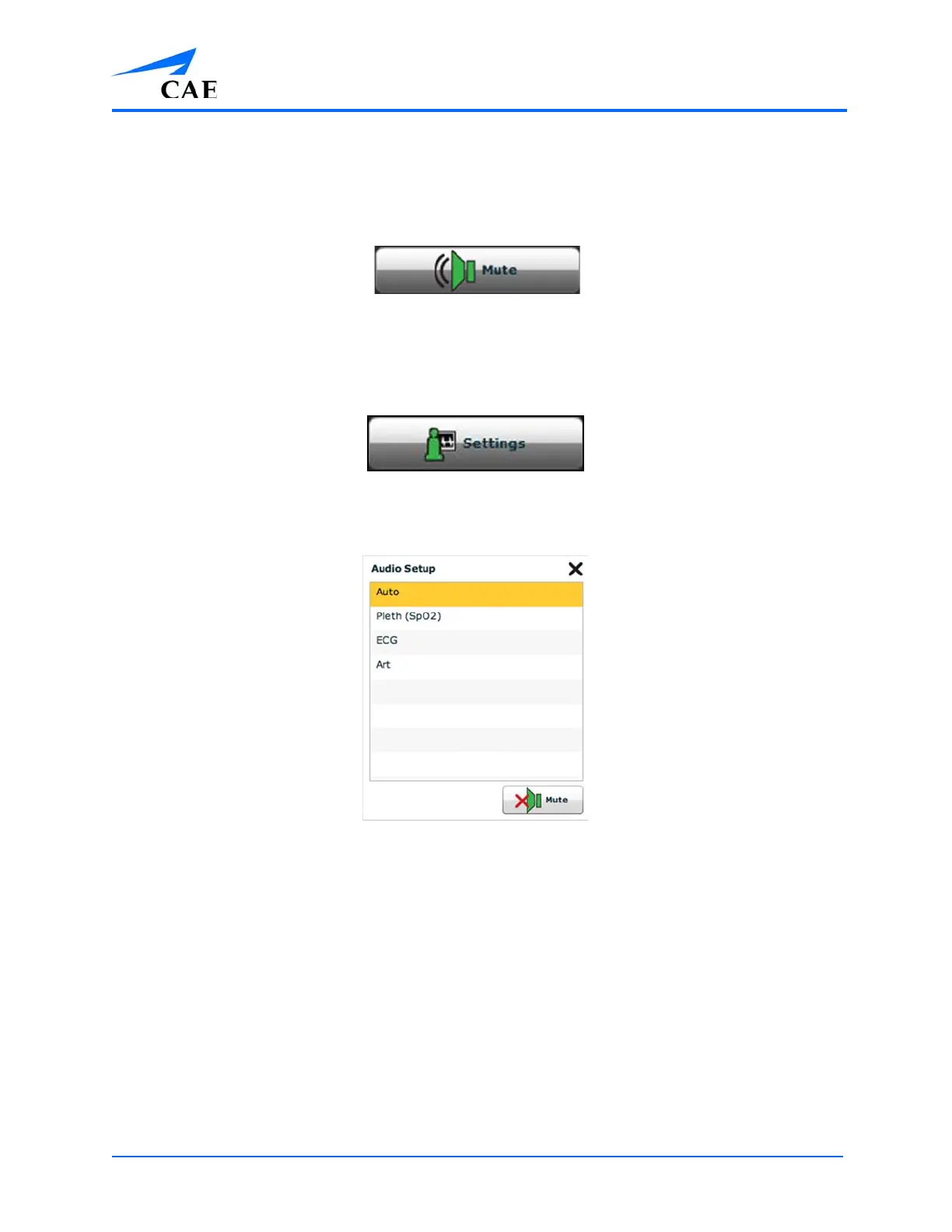
The Audio Setup Window
3. From the Audio Setup window, select a waveform to set it as the pulse sound
Once a waveform is selected, the Audio Setup window automatically closes.
4. Click the Mute button from the Audio Setup window to mute all alarms. Click the Mute
button again to return the alarms to their original state.



 To Next Page