Using Müse
49
PN: 905K520652 v2.8
Using Bookmarks
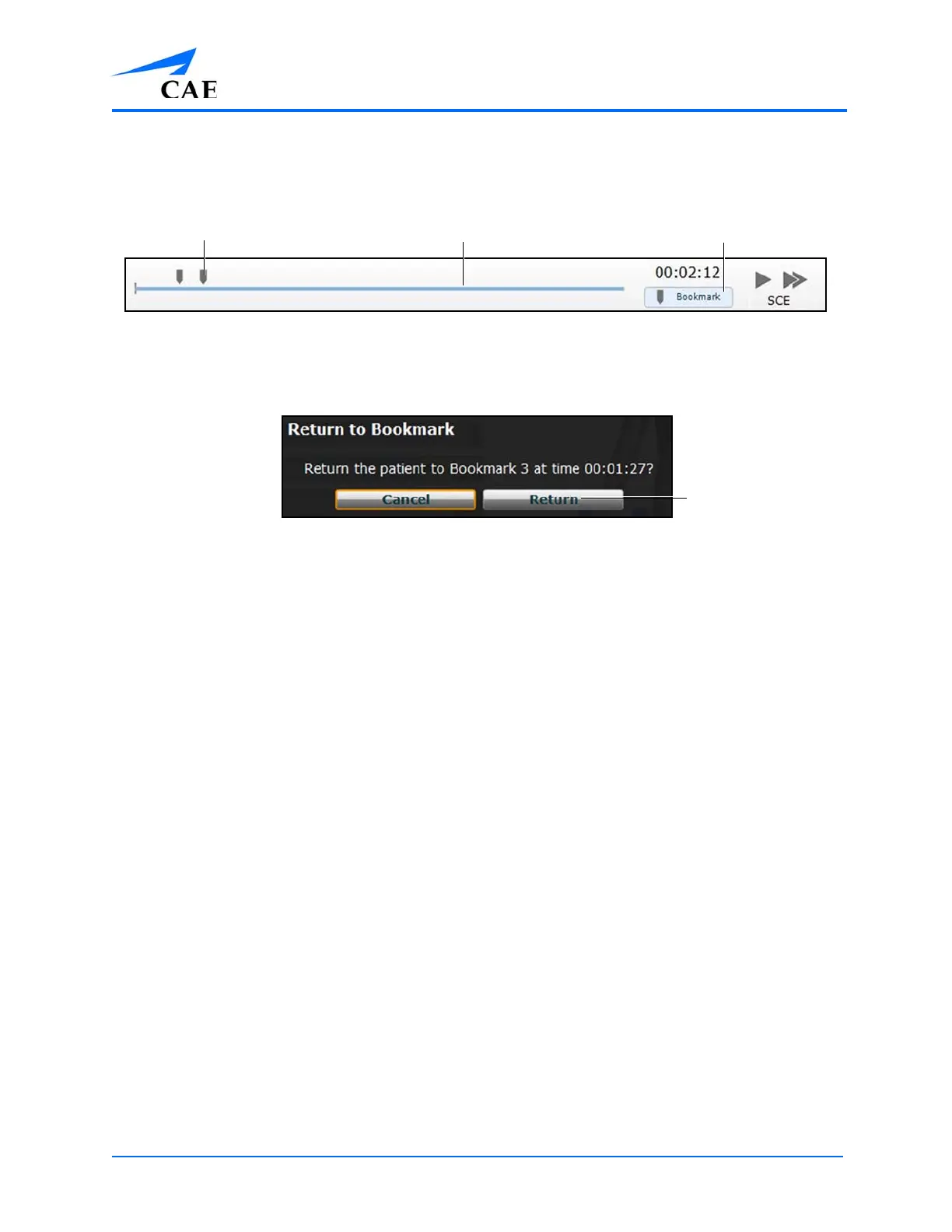
To create a bookmark, click the Bookmark button. A bookmark appears on the Timeline bar.
The SCE Time Controls
To return to a bookmarked time in the SCE:
1. Click the bookmark on the timeline
The Return to Bookmark Message
2. Click Return
The patient’s physiology returns to the selected point in the timeline.
Note: The SCE time continues moving forward and does not reset to the bookmarked
time.
The CPR Monitor
The CPR monitor is used to monitor the efficacy of CPR interventions and is available from the Run
screen.
A bookmark
The Bookmark button
The Timeline barThe Timeline bar



 To Next Page