Using Müse
107
PN: 905K520652 v2.8
Favorite SCEs
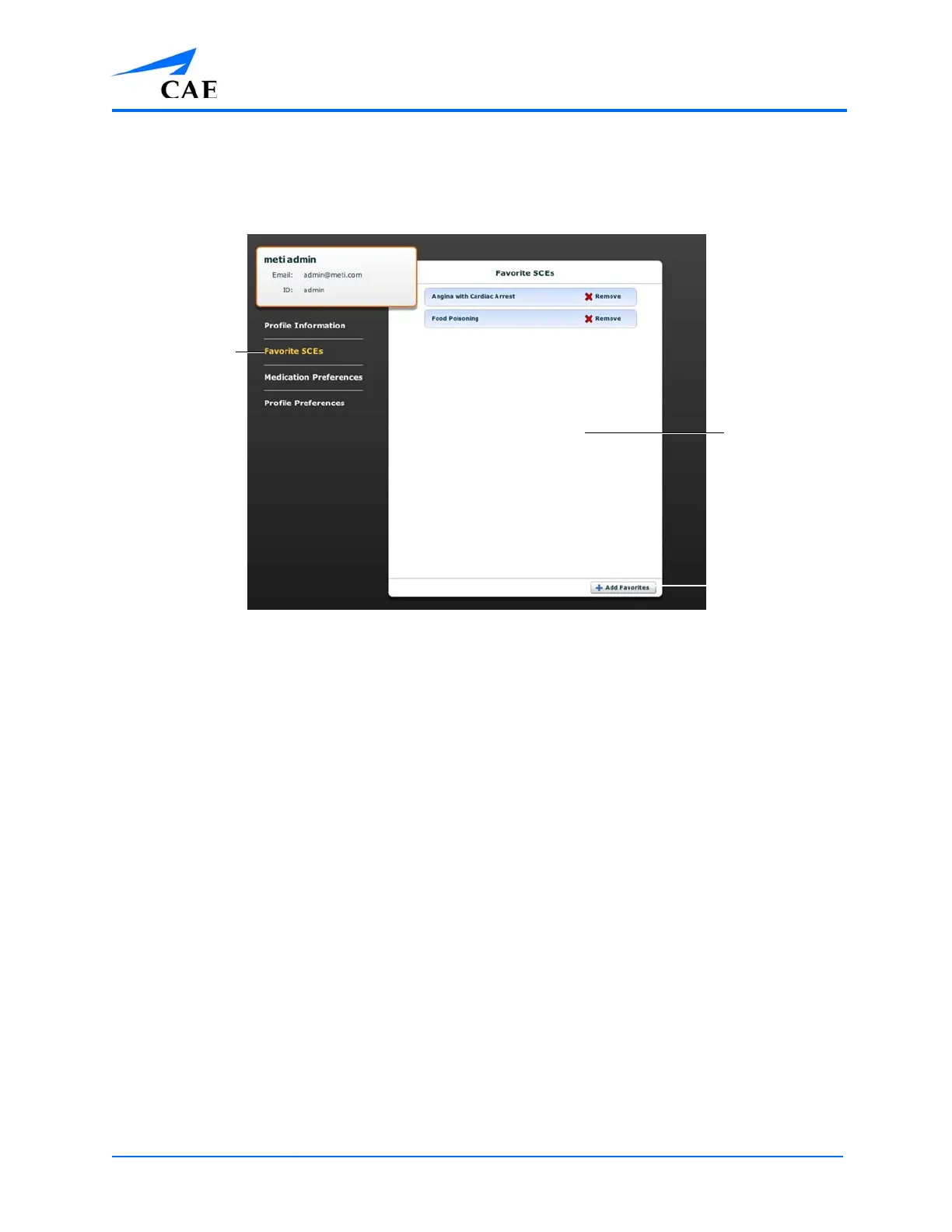
To access the Favorite SCEs panel, click Favorite SCEs from the Account Profile screen. All of the
logged-in user’s favorite SCEs appear in the Favorite SCEs panel.
The Account Profile Screen
To add SCEs to the Favorite SCEs panel, click Add Favorites. The SCE Library appears. Select the
desired SCE and it automatically appears in the Favorite SCEs panel.
To remove a SCE from the Favorite SCEs panel, click the Remove button next to the name of the SCE.
The Favorite
SCEs link
The Add
Favorites
button
The Favorite
SCEs panel



 To Next Page