Using Müse
108
CAEAthena
PN: 905K520652 v2.8
Medication Preferences
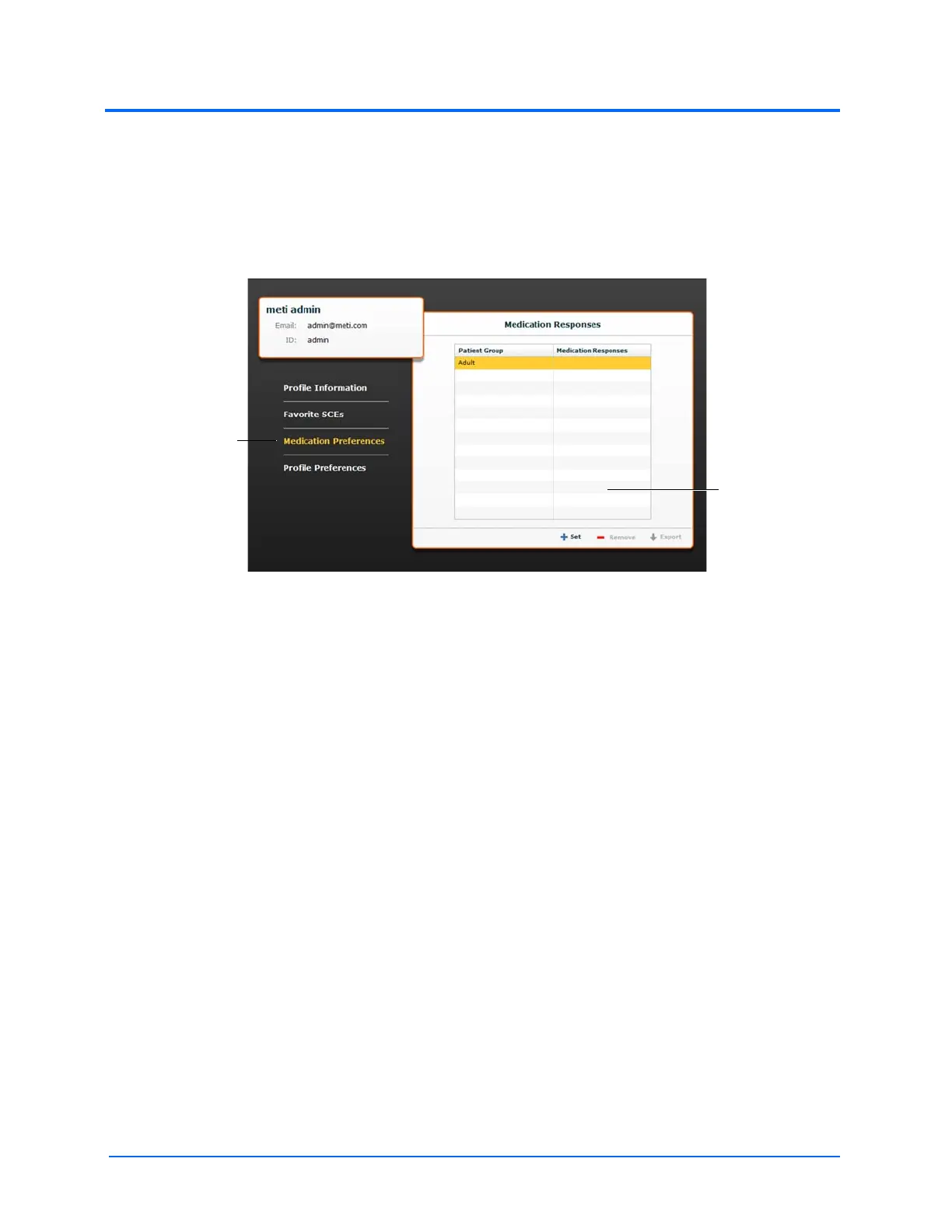
From the Medication Preferences panel, users can import customized medication response files
created in the Pharmacology Editor software.
To access Medication Preferences, click Medication Preferences on the Account Profile screen.
The Medication Preferences panel appears.
The Account Profile Screen
To import medication response files, click the Set button. The Select File dialog box appears. Select
the medication response file to be added and click Open or OK.
Medication response files can also be removed or exported.
The Medication
Preferences
link
The Medication
Preferences
panel



 To Next Page