Using Vivo
142
CAEAthena
PN: 905K520652 v2.8
Stopping An SCE
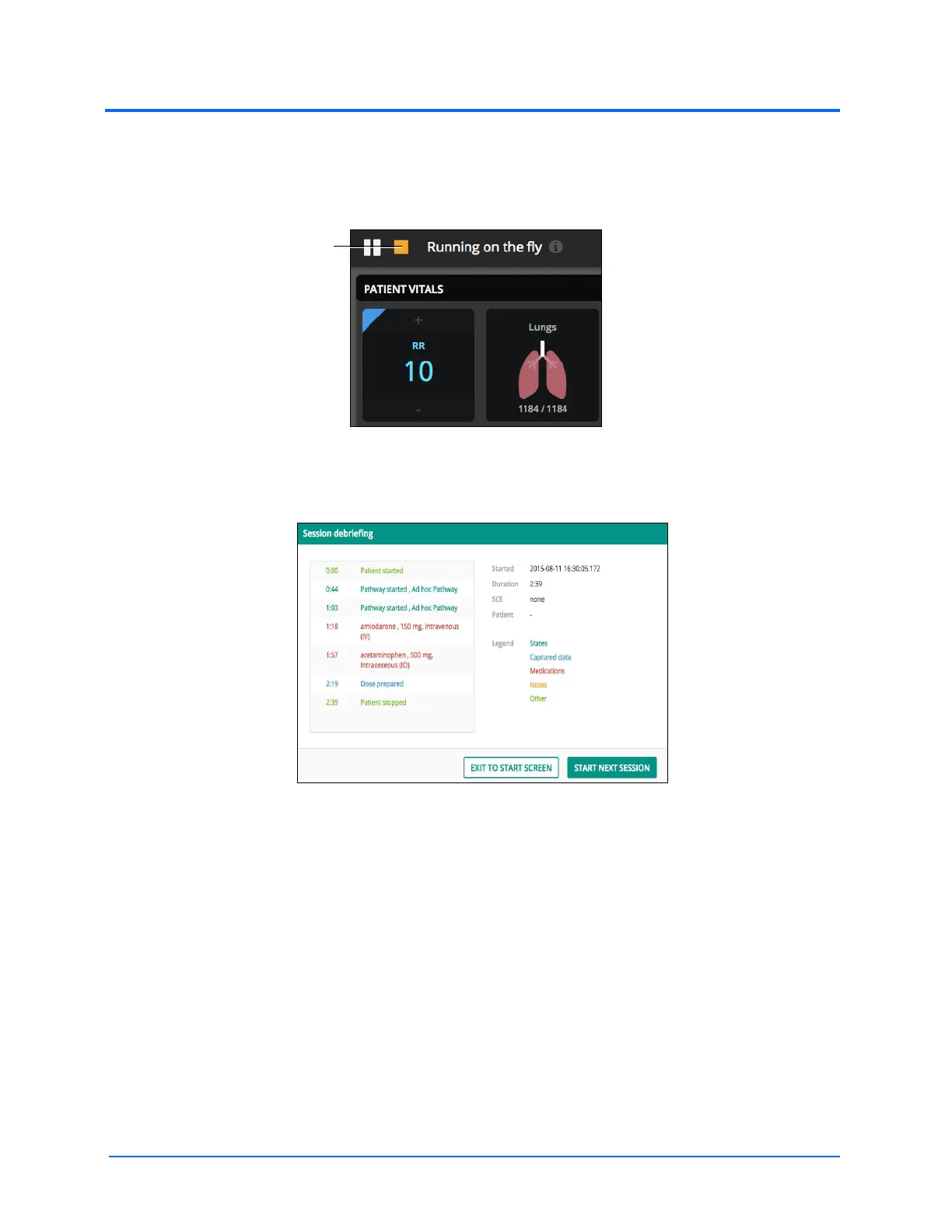
To stop an SCE, tap on the stop button. Then tap OK on the verification popup.
The Stop Button
The Session Debriefing window will appear.
The Debriefing Window
When finished debriefing, select Exit To Start Screen or Start Next Session.
IMPORTANT: Be sure to complete debriefing before exiting the debriefing window. Returning to debriefing
window or accessing a debriefing log is not available.



 To Next Page