Using Vivo
141
PN: 905K520652 v2.8
Preconfigured and saved SCEs
IMPORTANT: Vïvo starts with a base patient. Tap on the Play/Next icon to begin the SCE.
Then select a state in the Next state dropdown to queue up the next state. Tap on the Play/Next icon to
play that next state.
The countdown timer shows the time remaining to the next state. Tap the countdown timer to pause
and resume.
Run on the fly SCEs
Run on the fly SCEs have the same pathway features, plus the ability to adjust the pathway predictor.
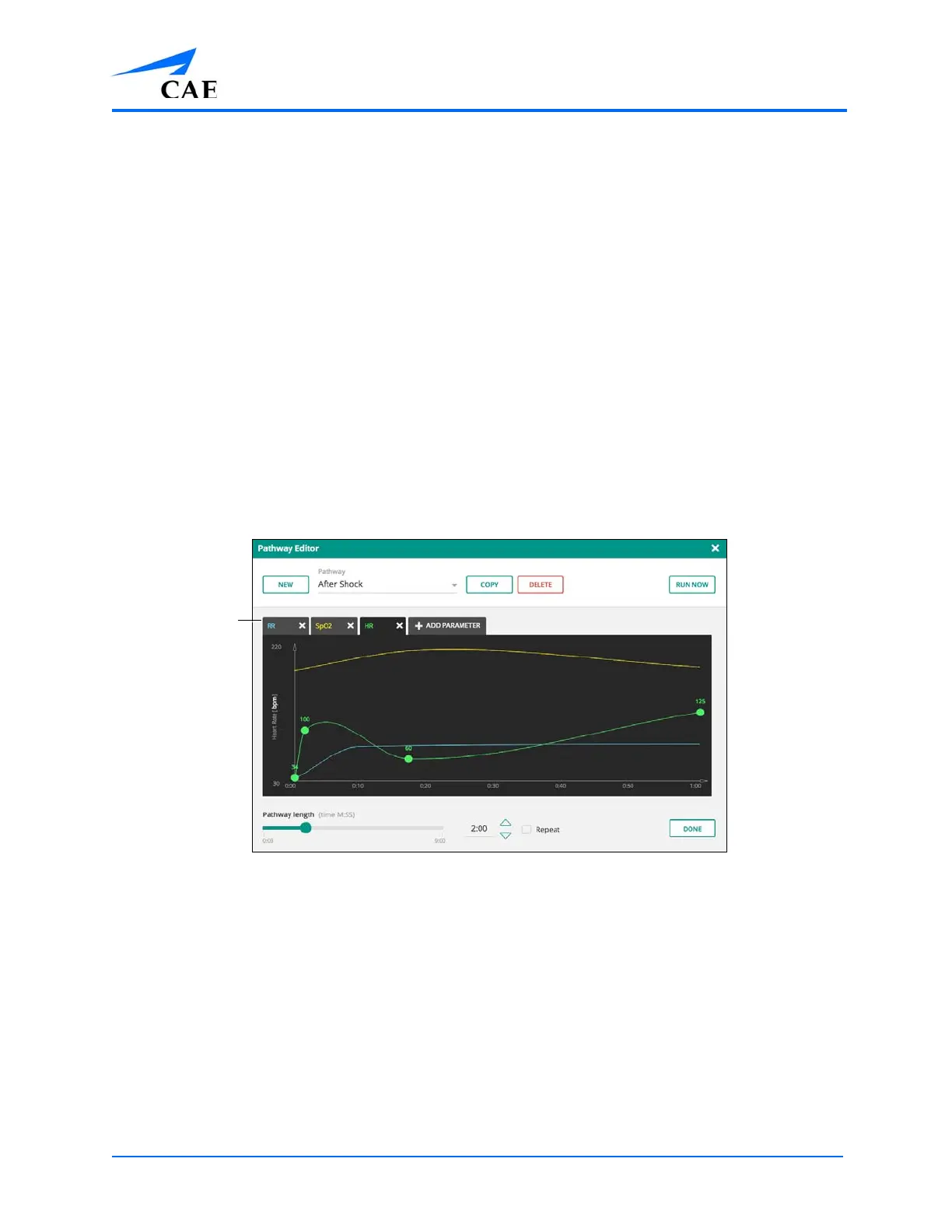
Tap the pathway predictor to access the Pathway Editor. Pathways can be created, copied, run, and
fully customized.
When parameters are in (or added) to the pathway, those parameters can be adjusted by dragging
any point on the parameter to any position.
TIP: If more than one parameter is in the pathway, be sure to tap and select the desired parameter tab
before adjusting the parameter.
The Pathway Editor



 To Next Page